How to sort broken backlinks by page traffic in Ahrefs
Here is how to sort broken backlinks by page traffic in ahrefs
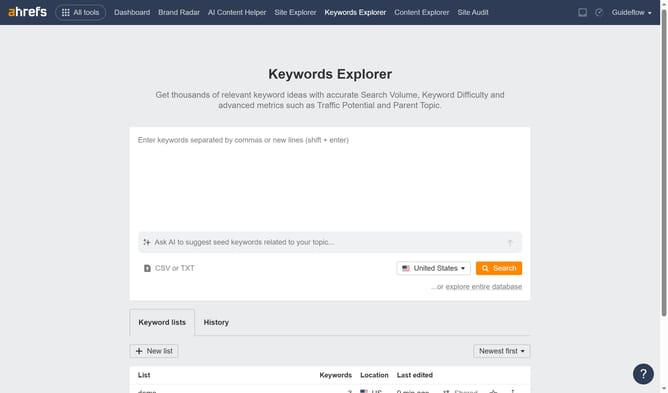
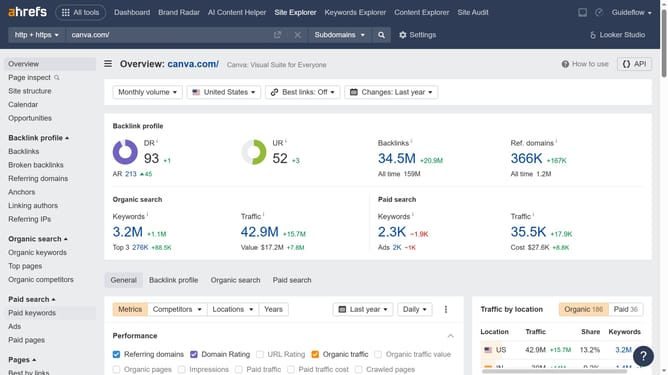
- First click on "Site Explorer" in the main navigation menu
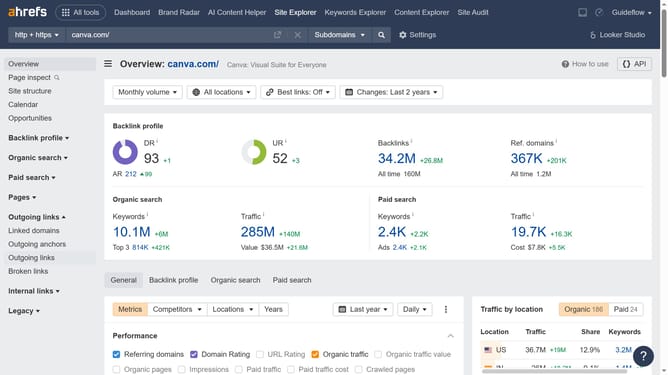
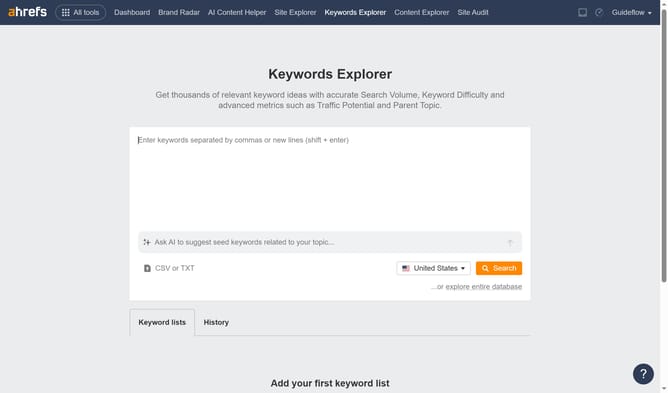
- Then click on the URL input field in the center of the page to enter a domain
- Next click the "Search" button to analyze the domain
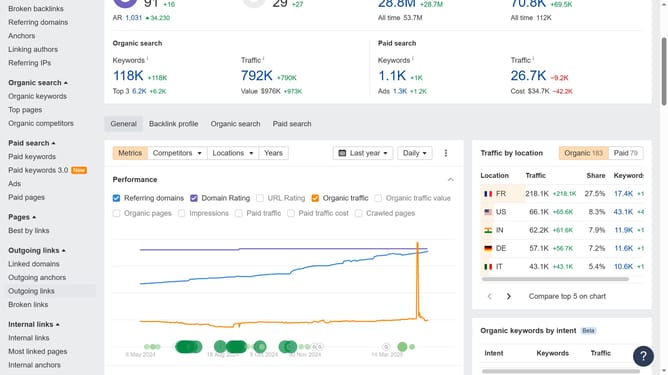
- Click "Broken backlinks" in the left sidebar menu
- Click "Add filter" button in the filters toolbar
- Select "Traffic" from the dropdown menu
- Set the "From" and "To" values for your Traffic filter to define the desired range
- Click the "Apply" button
- Finally click "Show results" button to apply the filters
Why should you sort broken backlinks by page traffic in Ahrefs
Ahrefs is a powerful SEO tool designed to enhance your online visibility by offering insight into your website's backlink profile and keyword rankings.
One of its standout features is the ability to sort broken backlinks by page traffic. This allows you to quickly identify which broken links are affecting your high-traffic pages, prioritizing them for fixing.
By addressing these broken backlinks on your most visited pages, you can boost site performance, improve search rankings, and enhance user experience without unnecessary delays.
Last update