Ahrefs
Ahrefs is an SEO toolset for backlink analysis, keyword research, and competitive insights.
Website
Industry
SEO
Share this article:

How to view one-link-per-domain in Ahrefs

Here is how to view one-link-per-domain in ahrefs

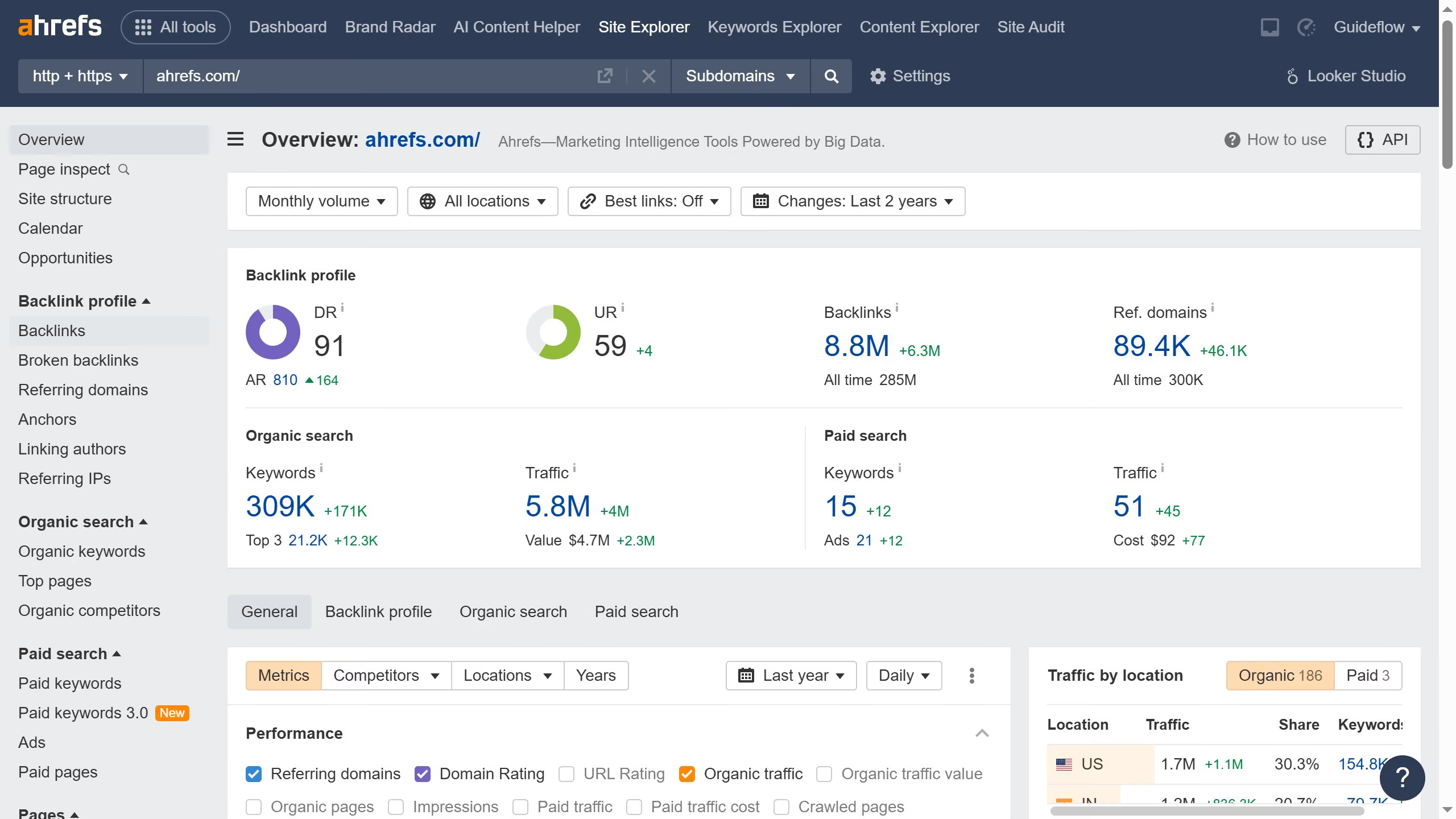
  1. First click on the "Site Explorer" link in the top navigation menu
  2. In the search field, enter a domain or URL to analyze
  3. Click the "Search" button (orange magnifying glass icon) to analyze the domain
  4. From the left sidebar menu, click on the "Backlinks" option under the "Backlink profile" section
  5. Click on the "Group similar" dropdown menu in the backlinks view
  6. Select "One link per domain" option from the "Group similar" dropdown menu

Create your own interactive guide with Guideflow

Why should you view one-link-per-domain in Ahrefs

Ahrefs is a powerful tool designed to enhance your online presence by providing in-depth SEO analysis.

The "one-link-per-domain" feature in Ahrefs allows users to streamline their backlink analysis by displaying only the strongest link from each referring domain.

Using this feature simplifies data overview, eliminates redundancy, and provides a clearer picture of a site's backlink profile, highlighting quality over quantity.

For SEO professionals, this means smarter decision-making and more efficient strategies for improving search engine rankings.


Last update
June 16, 2026
Cursor MariaA cursor points to a button labeled "James."

Create your first demo in less than 30 seconds.