How to identify removed backlinks in Ahrefs
Here is how to identify removed backlinks in ahrefs
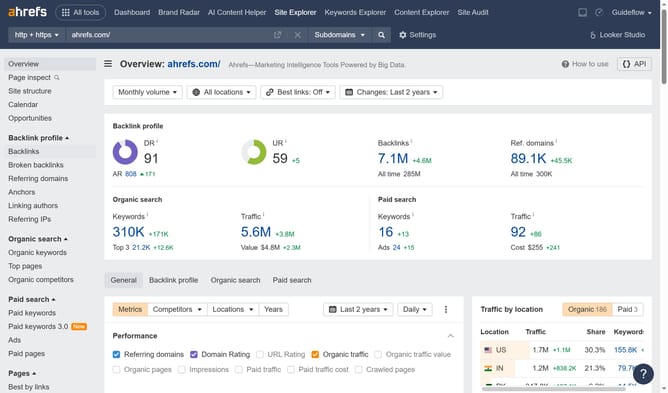
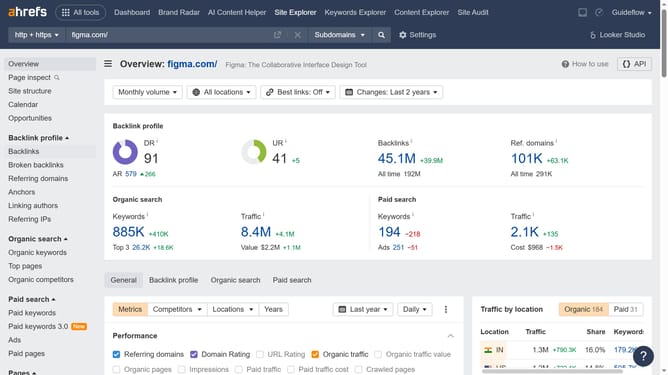
- First click on "Site Explorer" in the top navigation menu
- Enter the domain in the domain search field
- Click the search button to analyze the domain
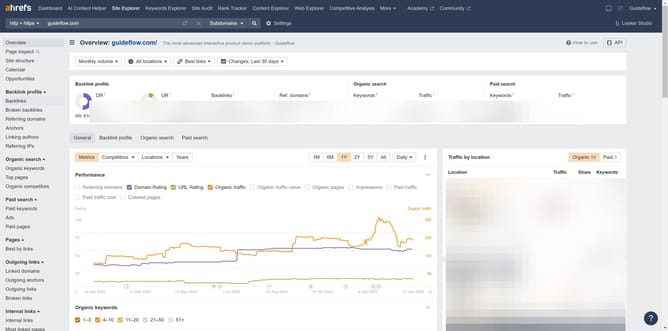
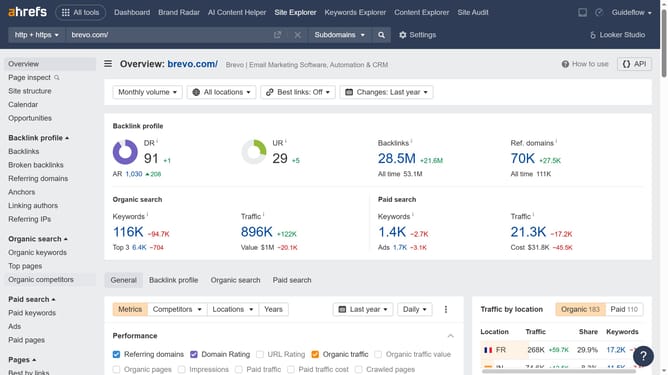
- Click on "Backlinks" in the left sidebar menu
- In the backlinks view, click on "Lost" filter tab to see lost backlinks
- Click the "Status" dropdown filter to refine the backlinks list
- Choose "Link removed" from the Status dropdown menu to see specifically removed backlinks
Why should you identify removed backlinks in Ahrefs
Ahrefs is a comprehensive SEO toolset designed to enhance your website's search ranking through powerful analysis.
Identifying removed backlinks in Ahrefs is a vital feature that ensures you maintain the integrity of your linking profile. By readily pinpointing lost links, it enables you to address potential dips in SEO performance swiftly.
This feature is particularly beneficial as it helps you understand your backlink dynamics and take corrective action. Seamlessly tracking these changes can prevent negative impacts on your site's ranking, ensuring sustained SEO success.
Last update