How to add a filter in Ahrefs
Here is how to add a filter in ahrefs
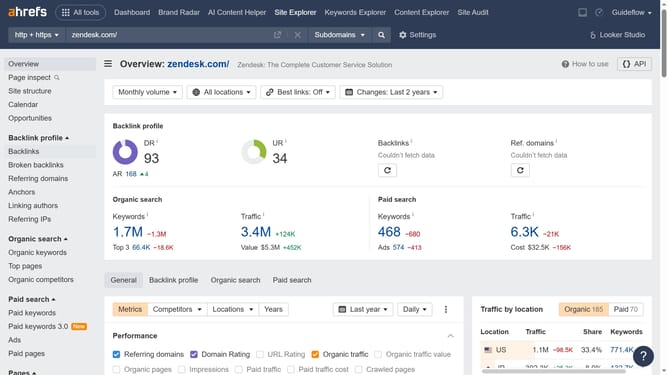
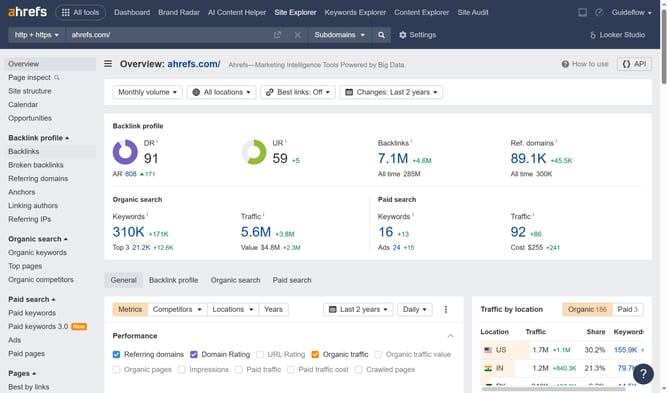
- First click on "Site Explorer" in the top navigation menu
- Next click on the "Domain or URL" input field in the search bar
- Enter URL in the search field
- Click the search button to analyze the domain
- In the left sidebar, click on "Top pages" under the "Organic search" section
- Click on "Add filter" button in the main content area
- In the top filter bar, click on the desired filter
- Enter the desired value for your filter
- Click "Apply" button to filter the results
- Finally click "Show results" button to filter the results
Why should you add a filter in Ahrefs
Ahrefs is a powerful tool for SEO professionals, designed to enhance online visibility and organic search performance.
Adding a filter in Ahrefs allows users to streamline and focus their data sets on what truly matters. By honing in on specific metrics, trends, or keywords, users can gain deeper insights and make data-driven decisions effectively.
This feature is particularly beneficial for tailoring searches to specific goals, ensuring that users spend less time sifting through irrelevant information and more time on strategic planning.
Last update