How to view page traffic for backlinks in Ahrefs
Here is how to view page traffic for backlinks in ahrefs
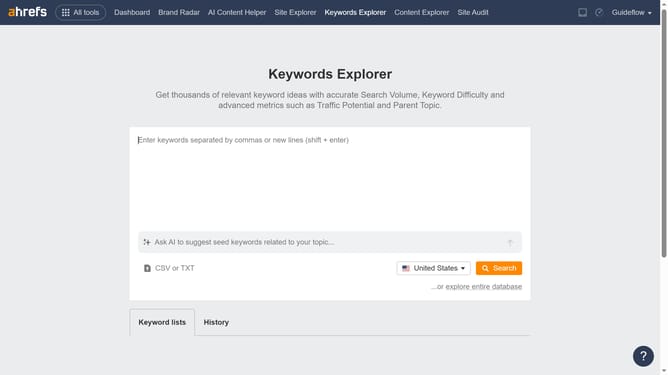
- First click on "Site Explorer" in the top navigation menu
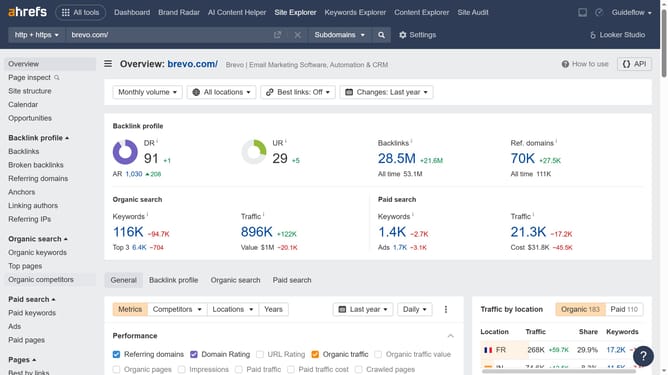
- Then enter the domain in the URL input field in the search bar
- Click the "Search" button (orange button) to analyze the domain
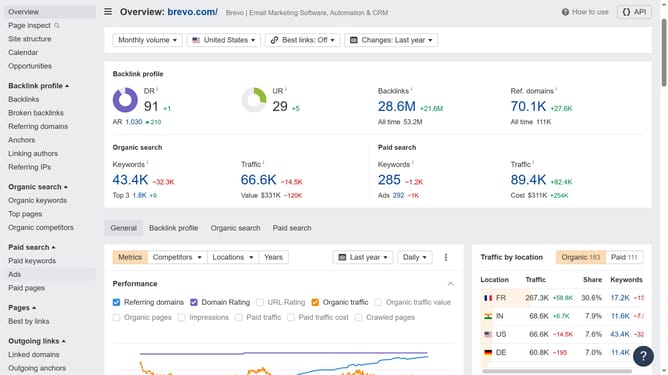
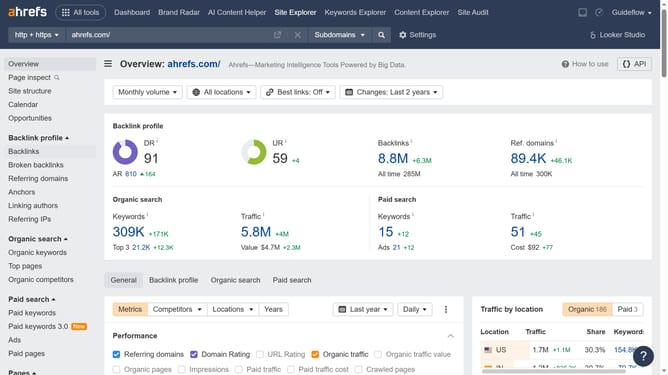
- In the left sidebar, click on "Backlinks" under the "Backlink profile" section
- Here in the "Page traffic" column you will see the page traffic associated to the backlinks
Why should you view page traffic for backlinks in Ahrefs
Ahrefs is a powerful tool designed for comprehensive SEO analysis and insights.
The "view page traffic for backlinks" feature in Ahrefs allows users to understand the impact of backlinks by analyzing the traffic those links generate.
This insight is invaluable because it helps prioritize high-performing backlinks, driving more traffic and potential conversions.
Utilizing this feature can effectively guide your SEO strategy, ensuring efforts focus on link-building tactics that truly enhance your website's performance.
Last update