How to find inbound links with image anchors in Ahrefs
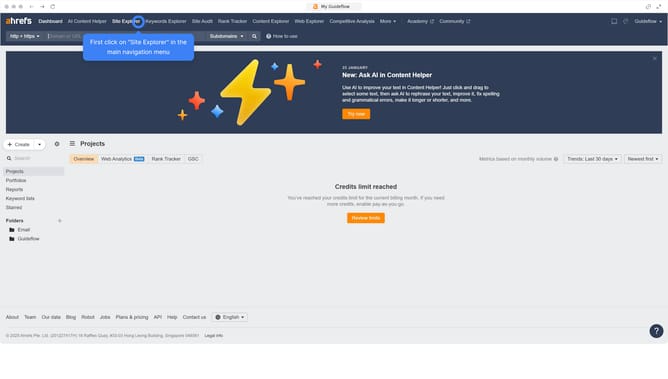
Here is how to find inbound links with image anchors in ahrefs
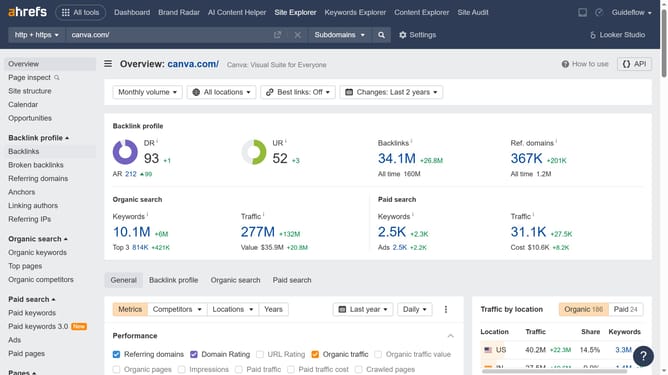
- First click on the "Backlinks" item in the left sidebar menu
- Then click on the "Backlink type" dropdown button in the top filter bar
- Next select "Image in anchor" option from the dropdown list
- Finally click on the "Show results" button to apply the filter
Why should you find inbound links with image anchors in Ahrefs
Ahrefs is a powerful tool designed to enhance your website's SEO performance.
By using Ahrefs to find inbound links with image anchors, you can easily identify valuable backlinks using images instead of text.
This feature helps you understand how images on other sites are driving traffic to your pages, offering insights into unexpected sources of visibility.
Taking advantage of image anchors can diversify your backlink profile and boost your site's authority, leading to enhanced online presence.
Last update