How to set a target location for your keyword list
Here is how to set a target location for your keyword list
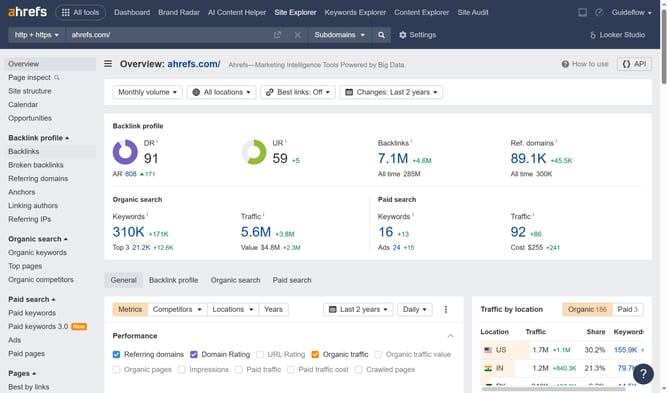
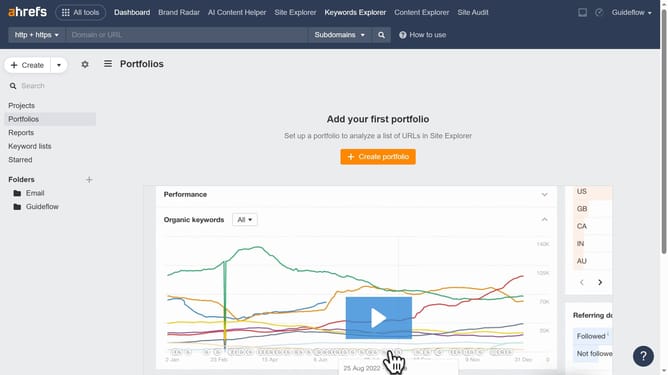
- First click on "Keywords Explorer" in the top navigation menu
- Then click on the "More options" button (three dots) next to the keyword list
- Next click on "Edit" from the dropdown menu
- Then click on the location dropdown field in the edit modal
- Next select the desired location from the location dropdown list
- Finally click the "Save" button in the edit modal
Why should you set a target location for your keyword list
Ahrefs is a powerful tool designed to boost your website's visibility through top-notch SEO strategies.
One of its valuable features is setting a target location for your keyword list. This feature allows you to tailor your SEO efforts to specific geographical areas, ensuring your content reaches the right audience. Targeting the right location enhances the relevance of your keywords, improving your search engine ranking locally.
By focusing on location-based keywords, you can better align your content with user intent in specific regions. This not only increases your site's visibility but also drives more targeted and meaningful traffic to your pages.
Last update