How to track new backlinks in Ahrefs
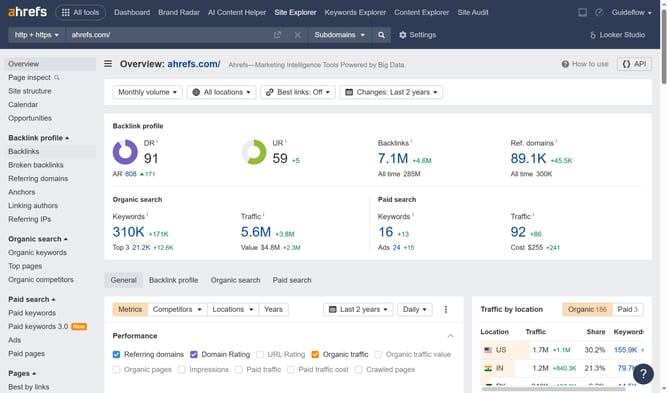
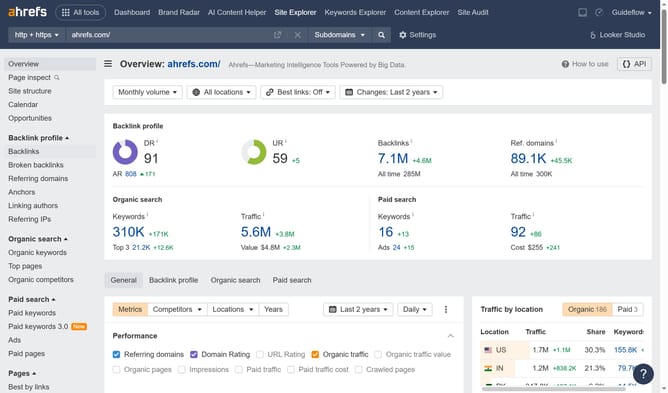
Here is how to track new backlinks in ahrefs
- First click on "Site Explorer" in the top navigation menu
- Then click in the "Domain or URL" search field in the center of the page
- Next click the "Search" button
- Then click on "Backlinks" in the left sidebar menu
- Finally click on "New" tab in the backlinks filter options
Why should you track new backlinks in Ahrefs
Ahrefs is a powerful SEO tool designed to enhance online visibility and track backlink profiles.
The platform’s feature to track new backlinks allows you to monitor and analyze incoming links effectively. This ensures that you’re always on top of your site's growing reputation on the web.
By using this feature, you can quickly understand which new links are benefiting your SEO strategy, allowing for timely and informed decisions
This insight helps in refining your link-building tactics, ultimately boosting search rankings and driving more traffic to your site.
Last update