Ahrefs
Ahrefs is an SEO toolset for backlink analysis, keyword research, and competitive insights.
Website
Industry
SEO
Share this article:

How to download inbound link data in Ahrefs

Here is how to download inbound link data in ahrefs

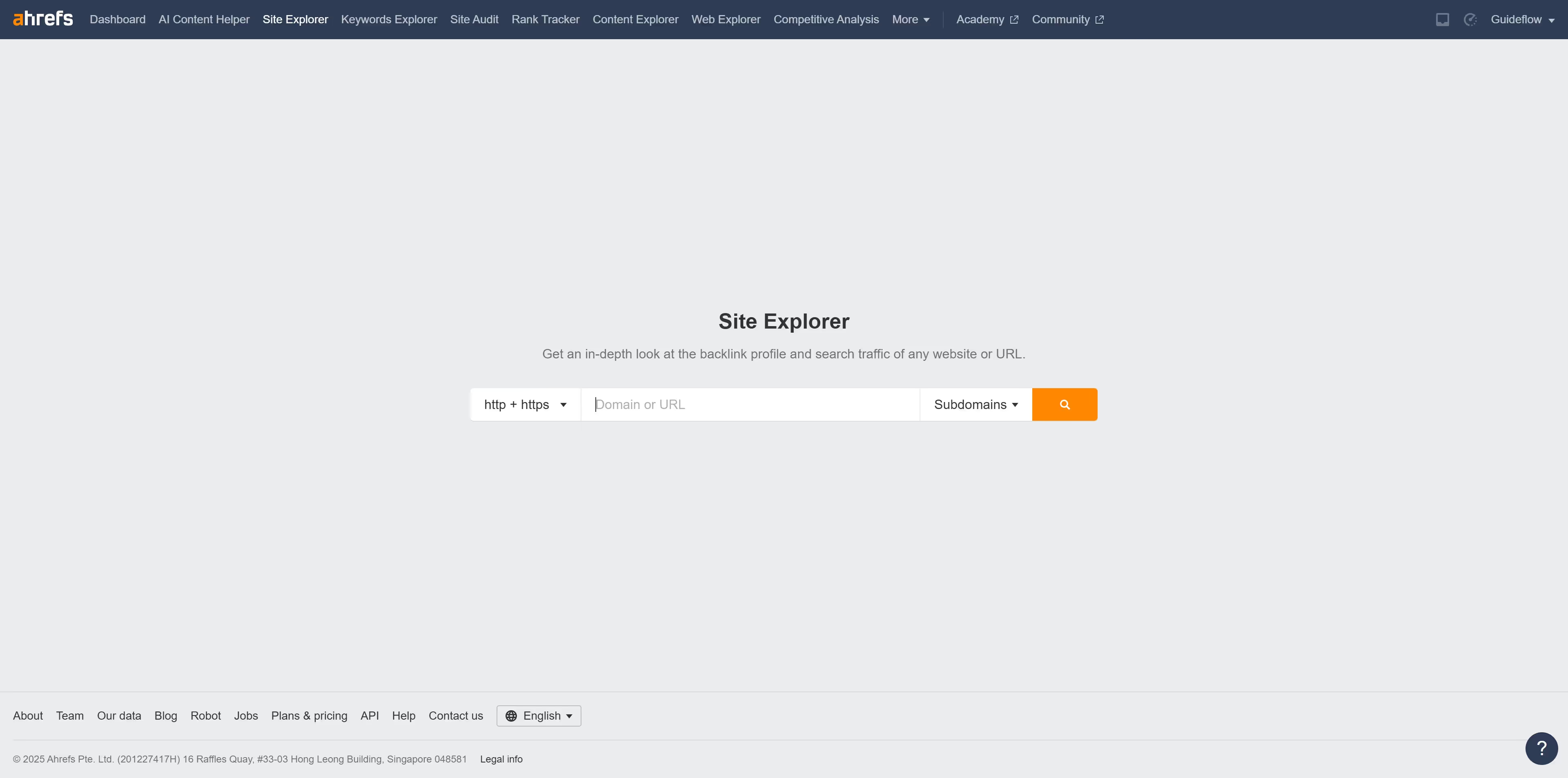
  1. First click on "Site Explorer" in the top navigation menu
  2. In the search bar, click the domain input field to enter a URL
  3. Click the "Search" button to analyze the URL
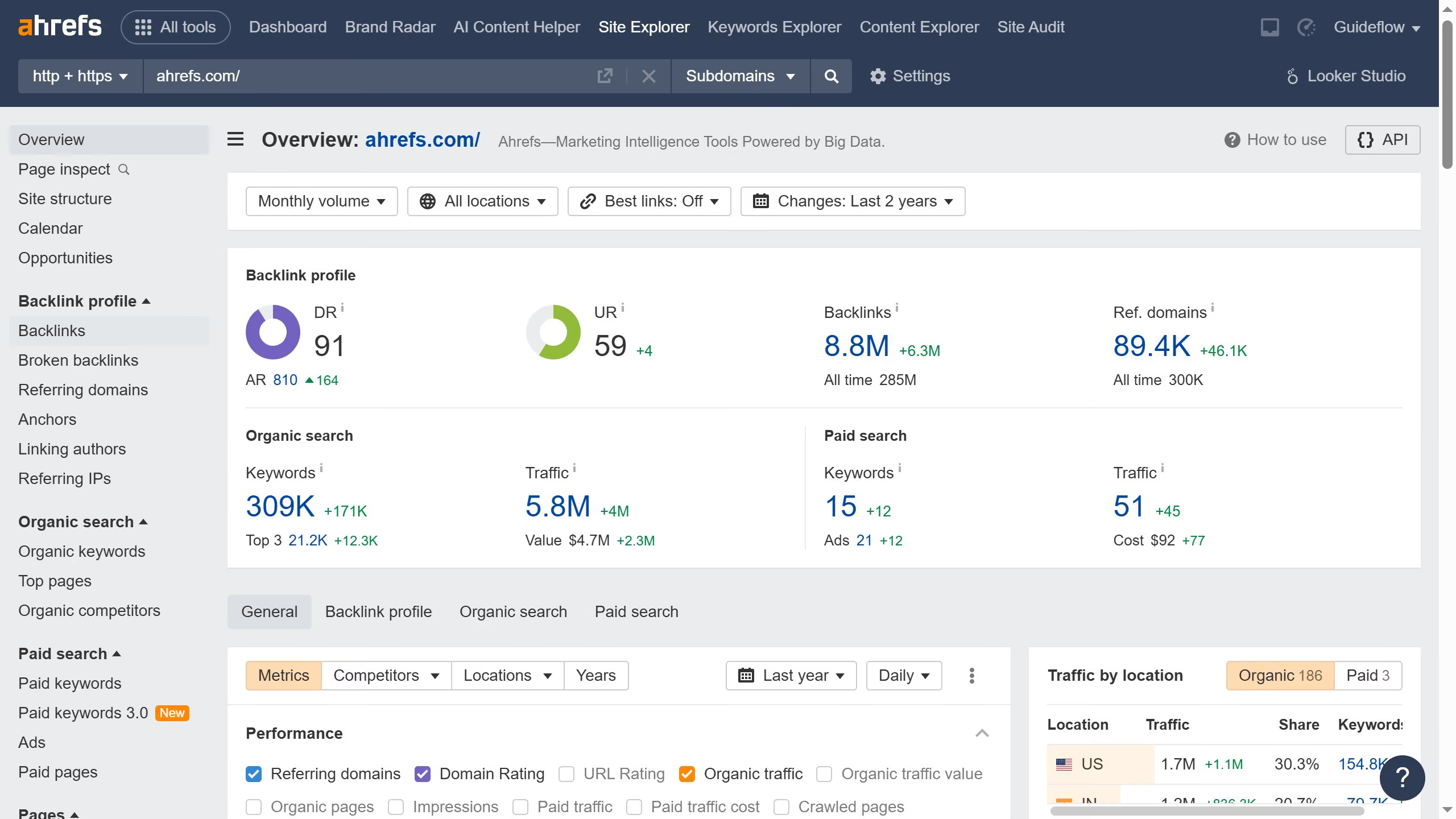
  4. Then click on "Backlinks" in the left sidebar menu
  5. Next click on the "Export" button in the top right corner of the backlinks table
  6. Finally click the "Export" button in the export settings modal dialog

Create your own interactive guide with Guideflow

Why should you download inbound link data in Ahrefs

Ahrefs is a powerful tool designed to enhance SEO strategies by providing invaluable insights into website backlinks and performance.

Downloading inbound link data from Ahrefs enables users to gain a comprehensive understanding of their backlink profile. This data can be used to identify valuable linking domains and spot potential opportunities for link diversification.

Utilizing this feature helps monitor the quality of backlinks, offering actionable insights to strengthen SEO campaigns and improve search engine rankings.


Last update
June 16, 2026
Cursor MariaA cursor points to a button labeled "James."

Create your first demo in less than 30 seconds.