How to download backlink data in Ahrefs
Here is how to download backlink data in ahrefs
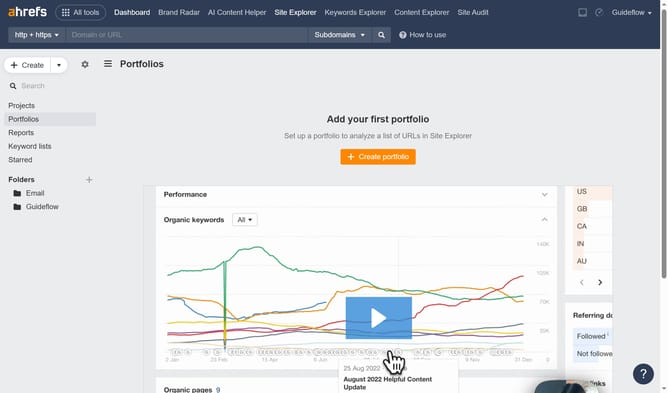
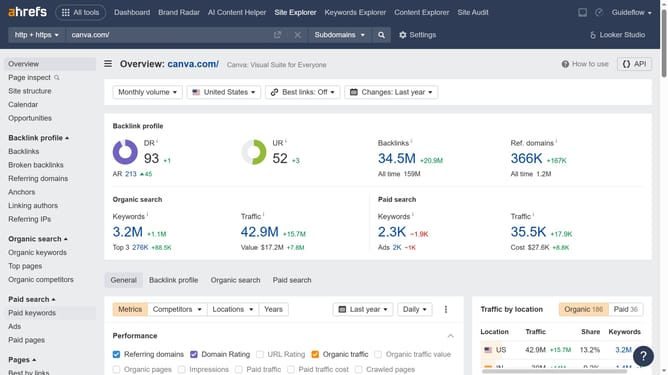
- First click on "Site Explorer" in the top navigation menu
- Next enter the domain in the URL input field
- Then click the search button in the search bar
- In the left sidebar menu, click on "Backlinks" under the "Backlink profile" section
- Click the "Export" button in the top right corner of the backlinks table
- Finally click the "Export" button in the export dialog window
Why should you download backlink data in Ahrefs
Ahrefs is a powerful SEO toolset designed to boost your search traffic, research your competitors, and monitor your niche.
The ability to download backlink data in Ahrefs offers invaluable insights into your website’s linking strategy.
Grasping detailed backlink information helps refine your SEO tactics, ensuring stronger online presence and link building opportunities.
With a focus on precision and efficiency, leveraging this feature empowers your online strategy, leading to more informed decisions and enhanced performance metrics.
Last update