How to check broken backlinks by subdomain in Ahrefs
Here is how to check broken backlinks by subdomain in ahrefs
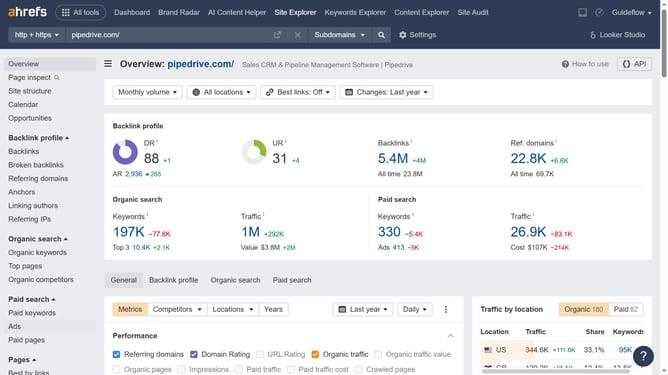
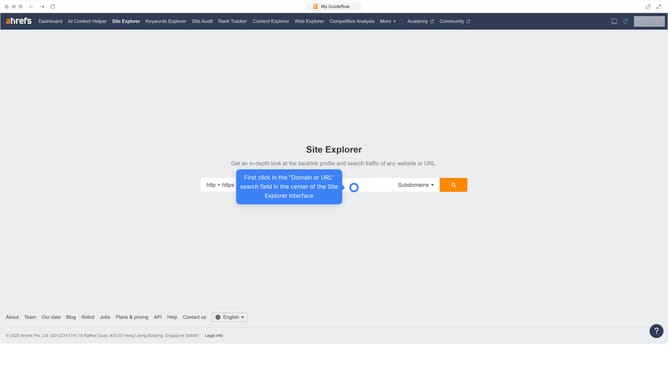
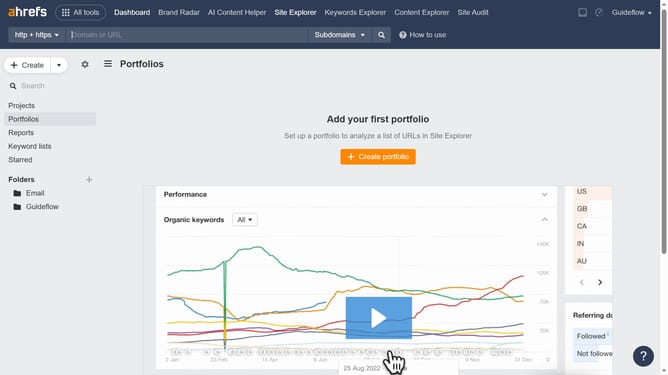
- First click on "Site Explorer" in the top navigation menu
- Click on the dropdown menu labeled "Exact URL" in the search options
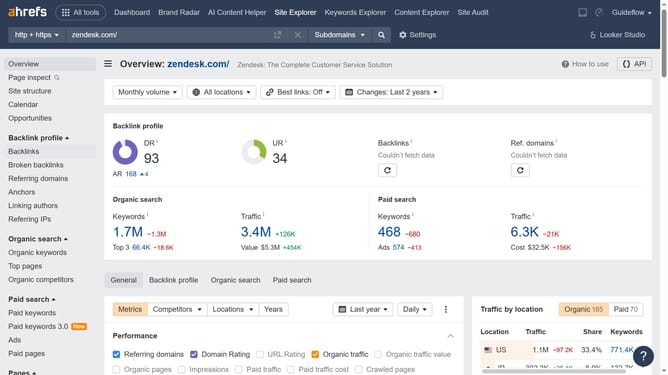
- Click on "Subdomain" option in the dropdown menu
- Then click on the URL input field in the center of the page to enter a domain
- Next click the "Search" button to analyze the domain
- Finally click on "Broken backlinks" in the left sidebar menu
Why should you check broken backlinks by subdomain in Ahrefs
Ahrefs is a powerful SEO toolset designed to elevate your website's search performance.
One of its standout features is the ability to identify broken backlinks by subdomain. By honing in on these specific subdomain links, you can quickly gain insights into which areas require attention.
Fixing broken backlinks can enhance your site's authority, leading to improved rankings and traffic. This focused approach not only optimizes your SEO strategy but also strengthens your site’s overall link profile.
Last update