How to track non-branded keywords in Ahrefs
Here is how to track non-branded keywords in ahrefs
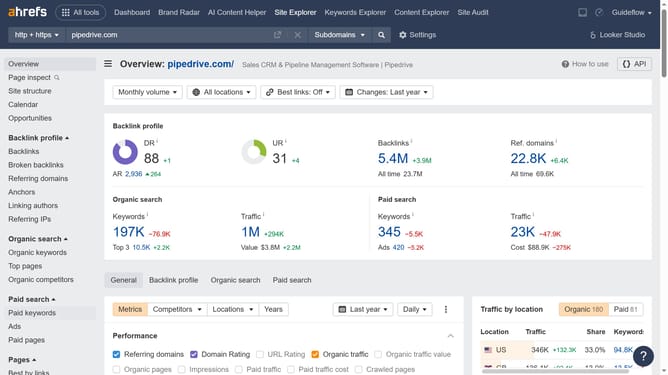
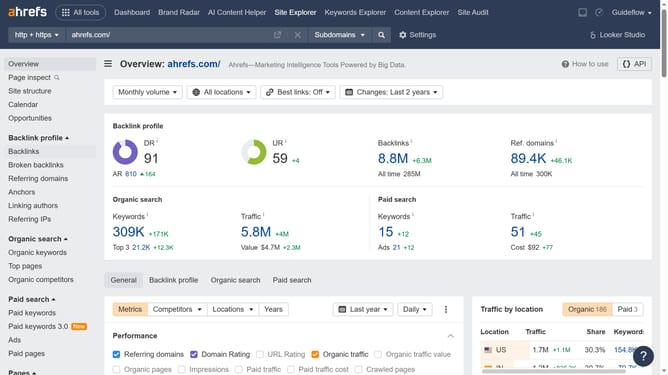
- First click on "Site Explorer" in the top navigation menu
- Then click on the URL input field and enter the domain name
- Next click the "Search" button
- Then click on "Organic keywords" in the left sidebar menu
- Next click on the "Intents" dropdown filter in the top filter bar
- Then click on "Non-branded" option in the Intents filter dropdown
- Next click on "Apply" button in the Intents filter dropdown
- Finally click on "Show results" button to apply all filters
Why should you track non-branded keywords in Ahrefs
Ahrefs is a comprehensive tool designed to enhance your SEO efforts by providing in-depth insights into your website's performance.
Tracking non-branded keywords in Ahrefs is essential for uncovering the search terms potential customers use when they aren't searching directly for your brand. This feature enables you to pinpoint content opportunities that can expand your organic reach beyond those already familiar with your brand.
By focusing on non-branded keywords, you can enhance website visibility and attract a broader audience, ultimately leading to increased brand awareness and potential leads.
Last update