How to export paid page performance reports from Ahrefs
Here is how to export paid page performance reports from ahrefs
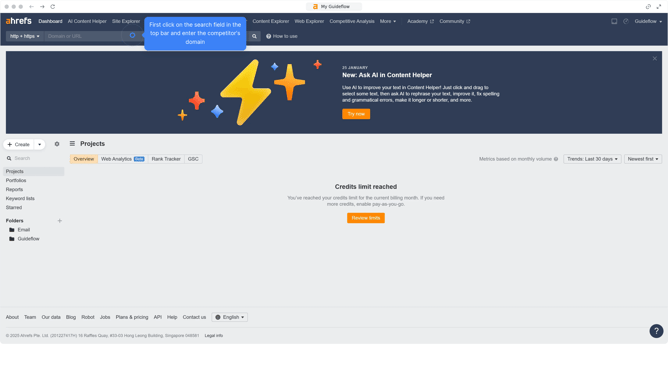
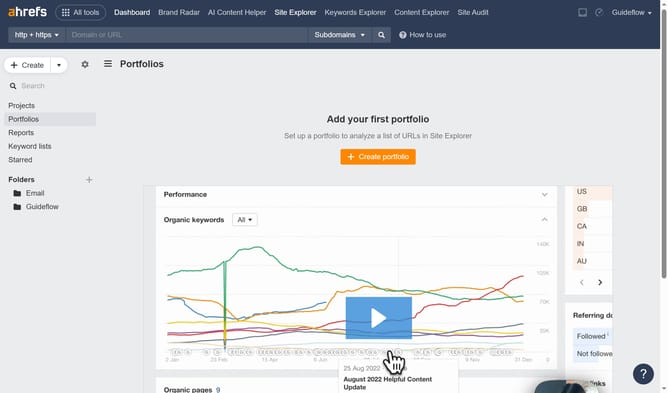
- First click on "Site Explorer" in the top navigation menu
- In the search bar, click the domain input field to enter a URL
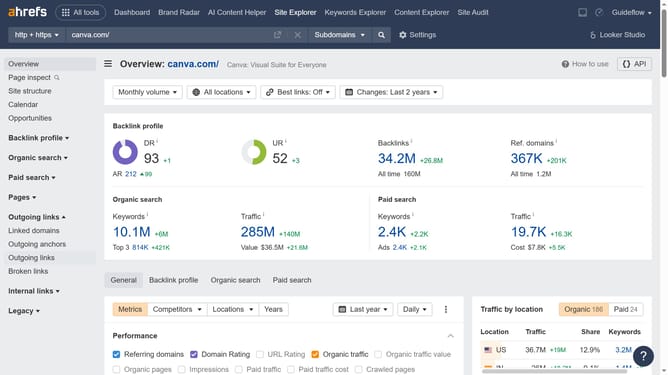
- Click the "Search" button to analyze the URL
- In the left sidebar menu, expand the "Paid pages" section
- Click the "Export" button in the top right corner of the paid pages table
- Finally click the "Export" button after choosing your preferred file format
Why should you export paid page performance reports from Ahrefs
Ahrefs is a powerful tool designed to enhance search engine optimization efforts through comprehensive data analysis.
The ability to export paid page performance reports from Ahrefs is an invaluable feature for marketers. It provides a clear view of how paid pages are performing, helping to identify which strategies yield the best results.
Utilizing this feature allows businesses to make data-driven decisions more effectively, optimizing their investment in paid search campaigns. By understanding both strong and weak pages, adjustments can be made for better ROI.
Last update