How to filter keywords by KD in Ahrefs
Here is how to filter keywords by kd in ahrefs
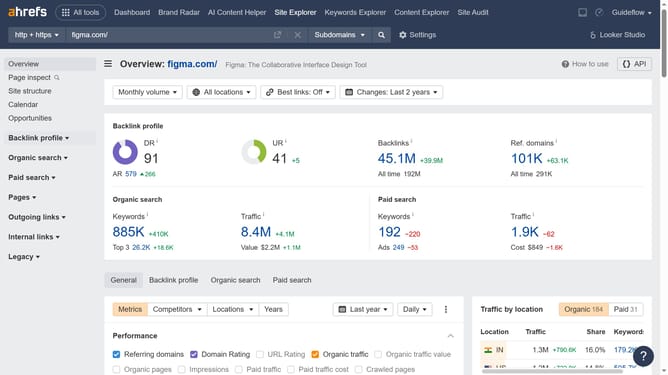
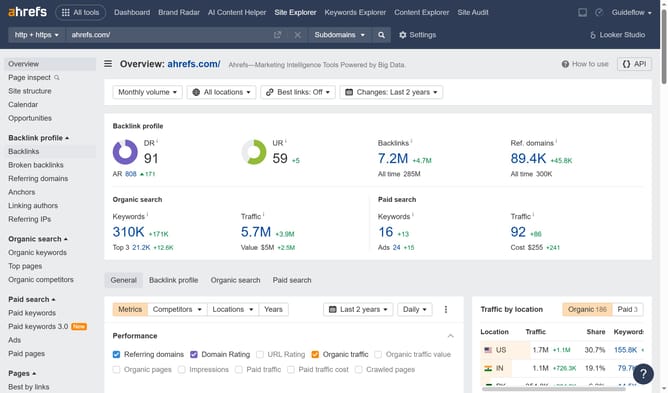
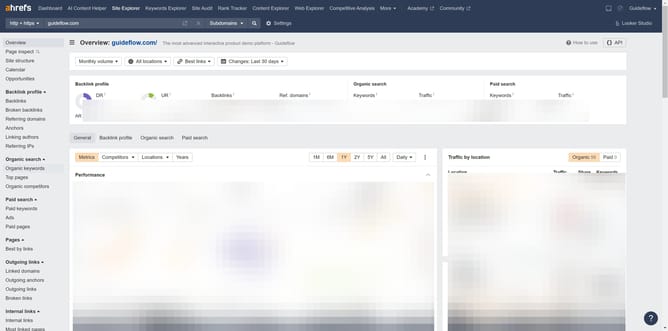
- First click on the "Site Explorer" link in the top navigation menu
- Then click on the "Domain or URL" input field and enter the website
- Click the orange "Search" button
- Click on "Organic keywords" link in the left sidebar menu
- Next click on the "KD" filter button in the filter toolbar
- Set the "From" and "To" values for your KD filter to define the desired range
- Click the "Apply" button
- Finally click the "Show results" button to apply the KD filter
Why should you filter keywords by KD in Ahrefs
Ahrefs is a powerful tool for enhancing your website’s SEO capabilities.
Filtering keywords by Keyword Difficulty (KD) in Ahrefs allows you to strategically target terms that align with your site's ability to rank.
This feature helps identify battles you can realistically win, ensuring that your SEO efforts are directed where they will be most effective.
By focusing on the right keywords, you can improve search visibility and drive more meaningful traffic to your site.
Last update