How to export top pages data from Ahrefs
Here is how to export top pages data from ahrefs
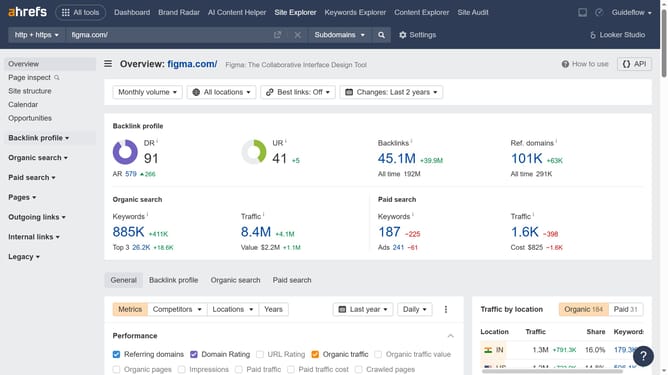
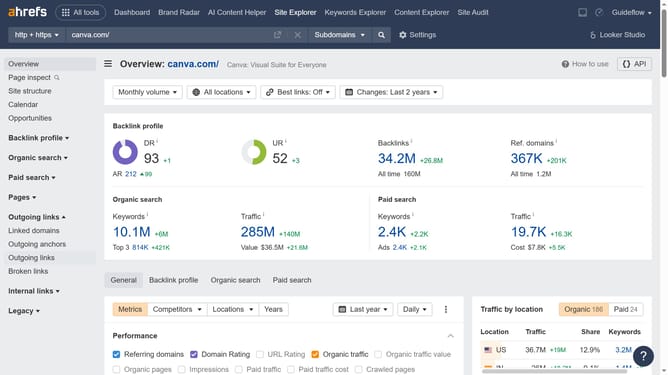
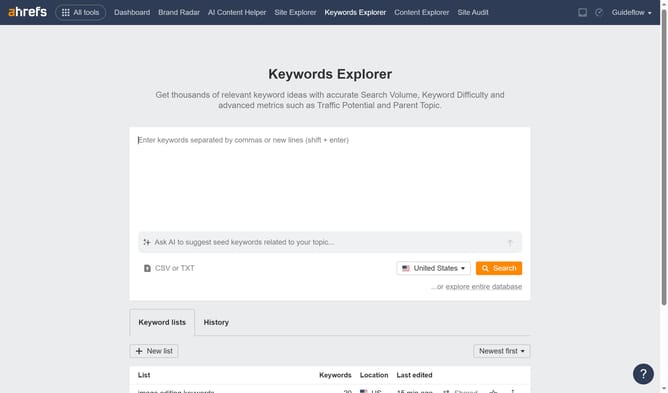
- First click on "Site Explorer" button in the top navigation menu
- Then click in the "Domain or URL" input field in the search bar
- Next enter the domain in the URL input field
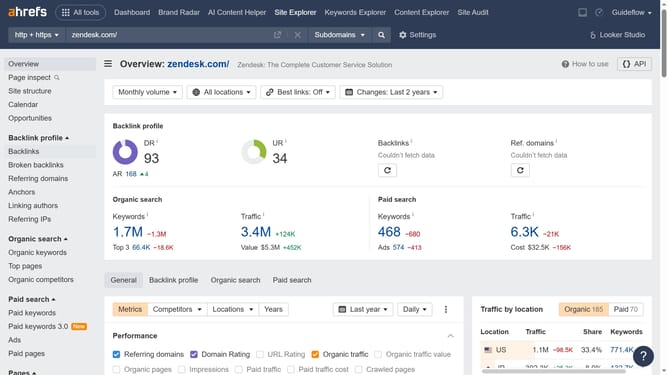
- Then click the search button in the search bar
- Next click on "Top pages" link in the left sidebar menu
- Then click on "Export" button in the top right corner of the table
- Finally click on "Export" button in the export modal window
Why should you export top pages data from Ahrefs
Ahrefs is a powerful SEO tool designed to boost your online visibility by providing comprehensive data insights.
One of its standout features is the ability to export top pages data efficiently. This feature grants you the convenience of obtaining detailed information about your website’s top-performing pages in just a few clicks.
Exporting top pages data helps you understand what content resonates most with your audience, allowing you to refine strategies and optimize web performance.
Ultimately, leveraging this feature aids in crafting more effective content strategies and enhancing site traffic.
Last update