How to move your keyword list in Ahrefs
Here is how to move your keyword list in ahrefs
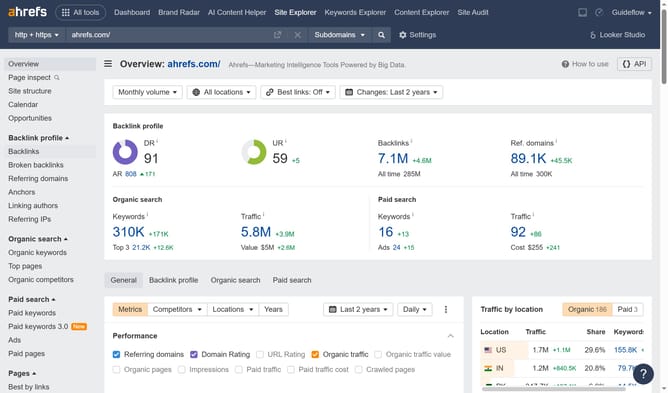
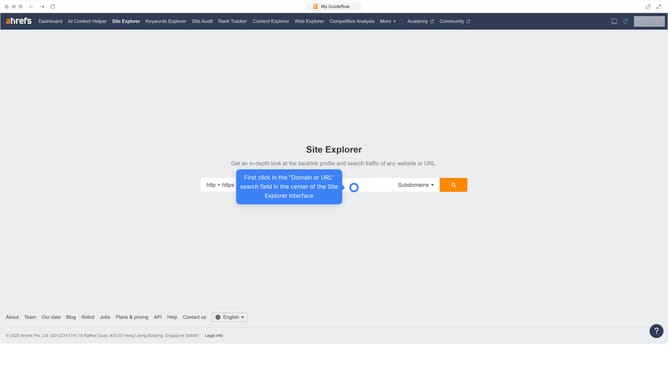
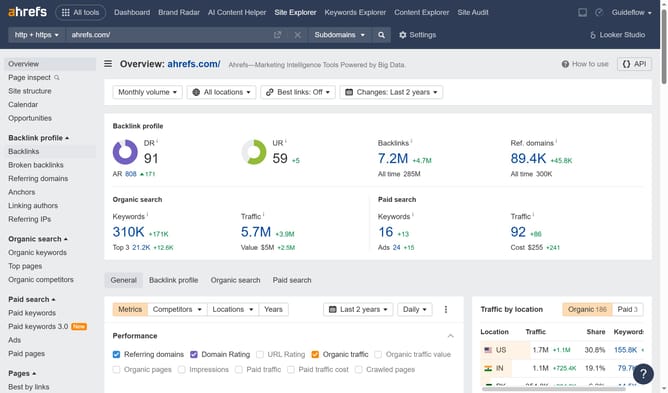
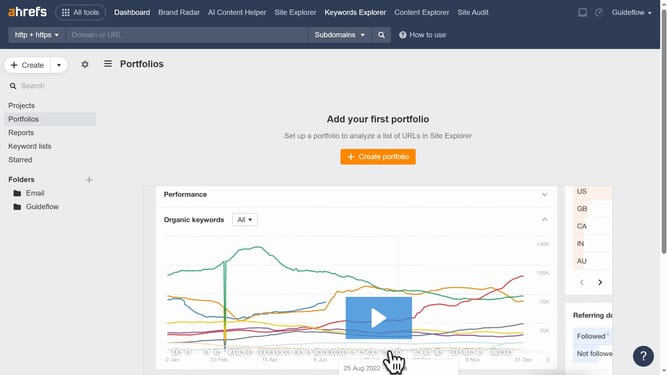
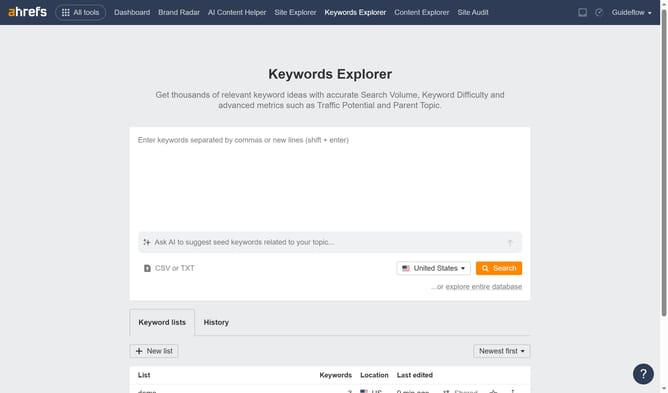
- First click on "Keywords Explorer" in the top navigation menu
- Next click on the "Actions" menu (three dots icon) for the list you want to move
- Then select "Move to..." option from the dropdown menu
- Then click the dropdown to choose the desired folder
- Finally click the "Move" button to successfully relocate your keyword list
Why should you move your keyword list in Ahrefs
Ahrefs is a comprehensive SEO tool designed to enhance your website's search visibility and performance.
Efficiently moving your keyword list in Ahrefs is a powerful feature that allows for seamless organization and management of your SEO strategy.
By effectively shifting and categorizing your keywords, you can prioritize targets, refine content planning, and monitor performance with ease.
This capability ensures that your efforts are strategically aligned, ultimately contributing to a more successful and dynamic SEO campaign.
Last update