How to filter backlinks by Domain Rating (DR) in Ahrefs
Here is how to filter backlinks by domain rating (dr) in ahrefs
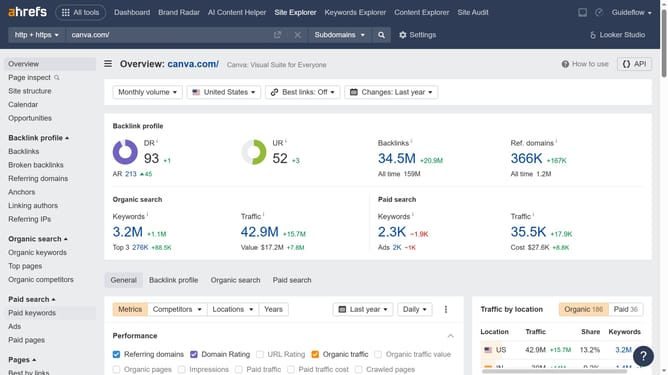
- First click on "Site Explorer" in the top navigation menu
- Then enter your website domain or URL input field in the search bar
- Next click the search button
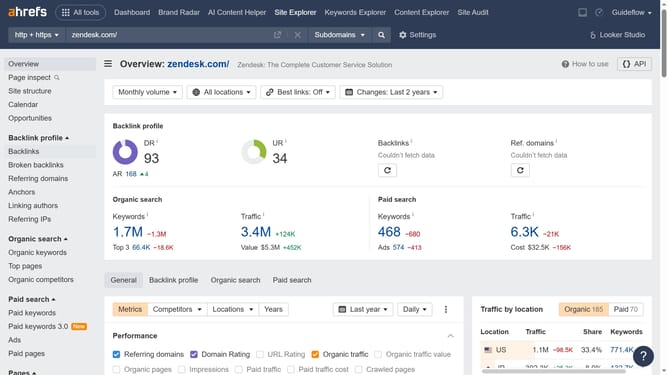
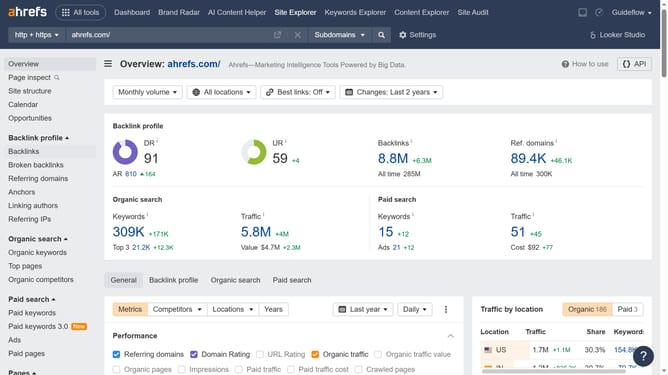
- Click on "Backlinks" in the left sidebar menu
- Click on the "DR" dropdown filter in the filter bar
- Set the Domain Rating (DR) filter by specifying a range (e.g., DR 50–90) to narrow down the backlinks
- Finally, click on the "Show results" button to apply all filters and view the backlinks
- After applying the DR filter, analyze the refined list of backlinks to identify high-quality referring domains
Why should you filter backlinks by Domain Rating (DR) in Ahrefs
Ahrefs is a powerful tool designed to enhance and optimize your website's search engine visibility by providing comprehensive SEO analysis.
One of the standout features of Ahrefs is the ability to filter backlinks by Domain Rating (DR). This feature empowers users to efficiently evaluate and prioritize backlinks based on their quality and authority, ensuring that valuable link-building efforts are directed toward high-impact sources.
Utilizing the DR filter helps streamline workflows by focusing on reputable domains, which can significantly boost your site's rankings and improve overall SEO performance.
Last update