How to analyze cost-per-visit for paid pages in Ahrefs
Here is how to analyze cost-per-visit for paid pages in ahrefs
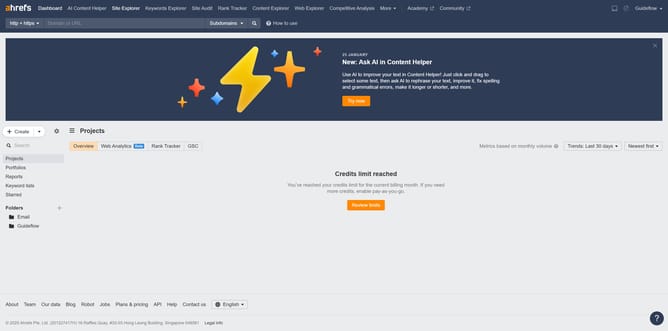
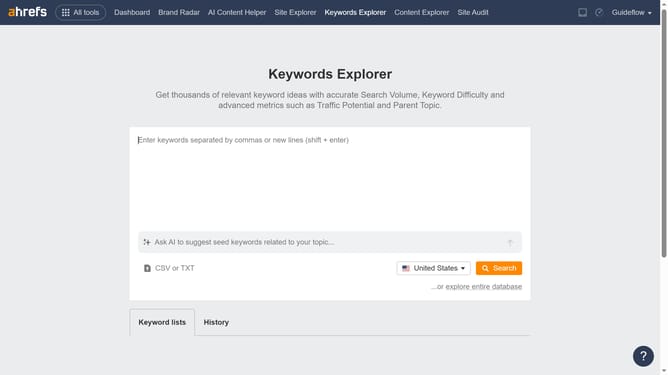
- First click on "Site Explorer" in the top navigation menu
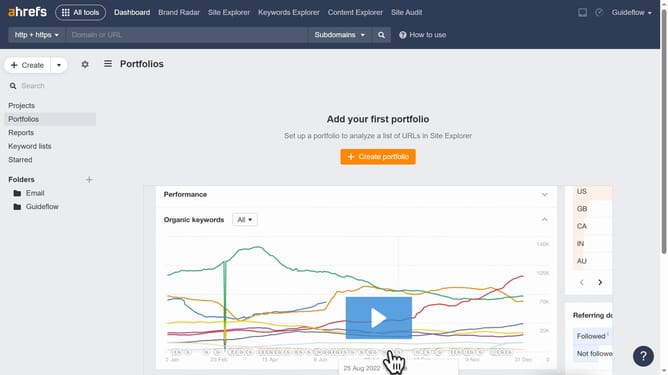
- In the search bar, click the domain input field to enter a URL
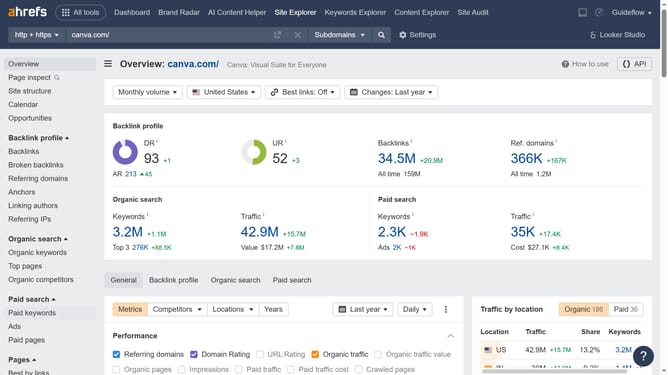
- Next enter "canva.com" in the domain search field
- Then click on "Paid pages" in the left sidebar menu
- Finally locate the "Cost" column to see how much each paid page is costing
Why should you analyze cost-per-visit for paid pages in Ahrefs
Ahrefs is a comprehensive tool designed to enhance your SEO strategy through detailed analytics.
Analyzing the cost-per-visit for paid pages in Ahrefs offers valuable insights into the financial efficiency of your marketing efforts. This feature allows you to understand exactly how much you're spending to attract visitors to your page.
Using this analysis helps in allocating your budget more effectively and optimizing your overall marketing strategy. By enhancing your decision-making process, you can drive more targeted traffic and achieve better ROI.
Last update