How to compare paid and organic traffic for keywords in Ahrefs
Here is how to compare paid and organic traffic for keywords in ahrefs
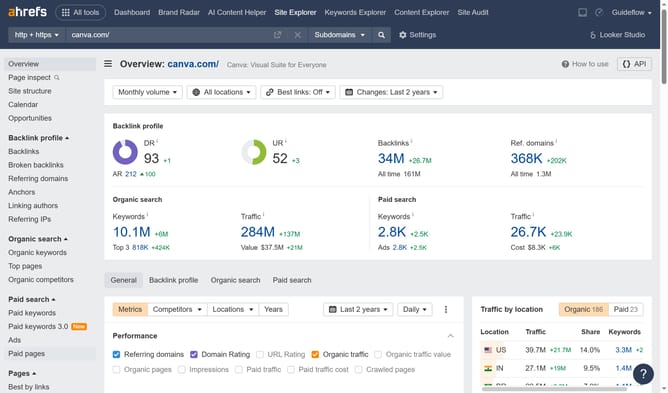
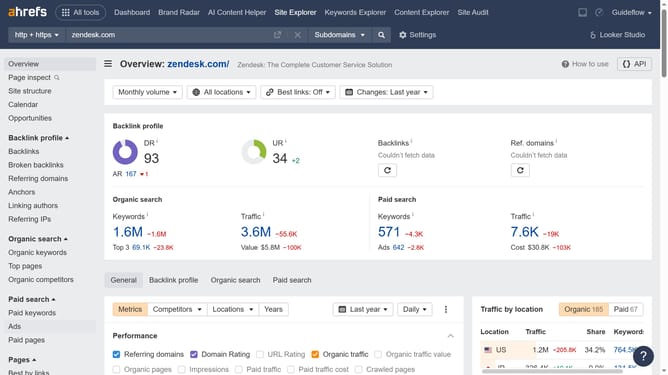
- First click on "Paid keywords" in the left sidebar menu
- Then click on the "Columns" button in the top-right corner of the table
- Click the "Paid traffic" checkbox from the columns dropdown menu to display paid traffic data
- Then click the "Organic traffic" checkbox from the columns dropdown menu to display Organic traffic data
- Now feel free to compare the values across different types of traffic
Why should you compare paid and organic traffic for keywords in Ahrefs
Ahrefs is a comprehensive SEO tool designed to enhance your search engine visibility. By leveraging Ahrefs' feature to compare paid and organic traffic for keywords, you can strategically optimize your marketing efforts.
This feature allows you to assess the performance of your keywords in both paid and organic scenarios, helping you to make informed decisions about where to allocate your resources.
Understanding the balance between paid and organic traffic not only unlocks potential growth avenues but also refines your SEO strategies for maximum ROI.
Last update