How to export organic keyword reports in Ahrefs
Here is how to export organic keyword reports in ahrefs
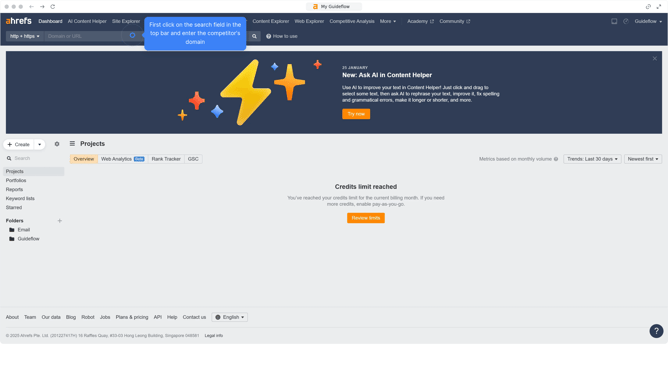
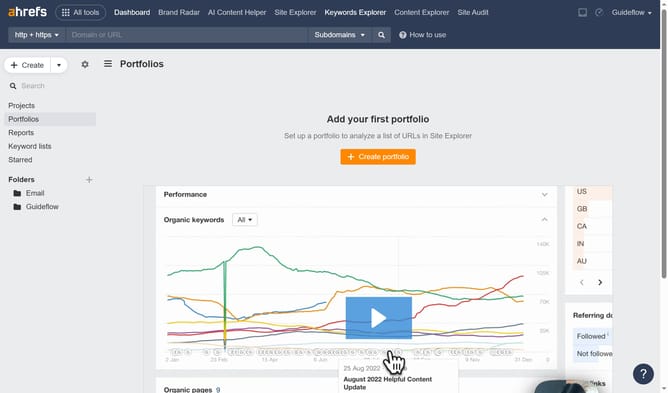
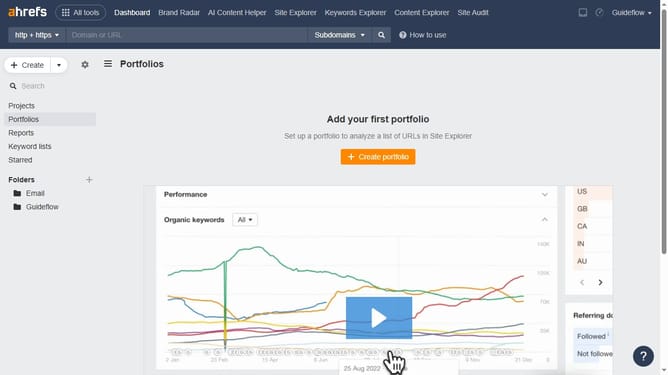
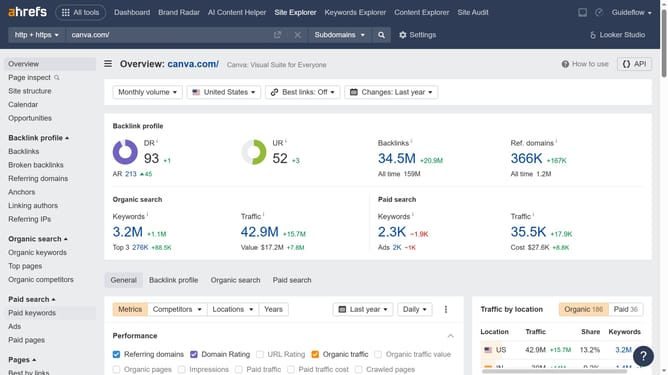
- First click on "Site Explorer" in the top navigation menu
- Enter the domain in the domain search input field
- Click the search button to analyze the domain
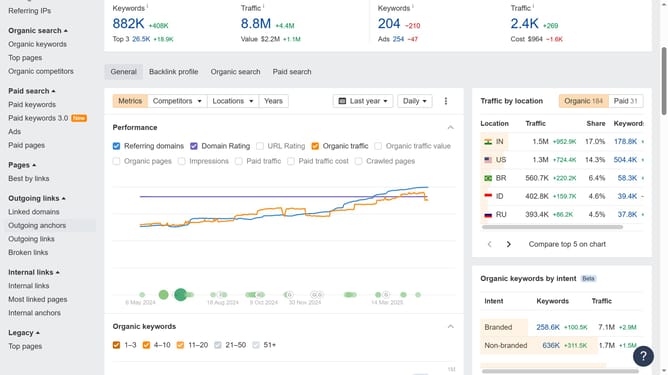
- In the left sidebar menu, click "Organic search" to expand the section
- Click the "Export" button in the top right of the results table
- Click the "Export" button in the export dialog window to download the data
Why should you export organic keyword reports in Ahrefs
Ahrefs is a powerful tool designed to elevate your SEO strategy by offering comprehensive insights into your website's performance.
One of its standout features is the ability to export organic keyword reports effortlessly. Accessing and exporting this data allows marketers to track SEO performance, analyze competitive standings, and discover new opportunities for traffic growth.
With these exportable reports, users can streamline their keyword strategies, making data-driven decisions easier and more efficient than ever before.
Ultimately, leveraging these insights can significantly enhance your marketing efforts, driving higher visibility and success.
Last update