How to export ad traffic trend data from Ahrefs
Here is how to export ad traffic trend data from ahrefs
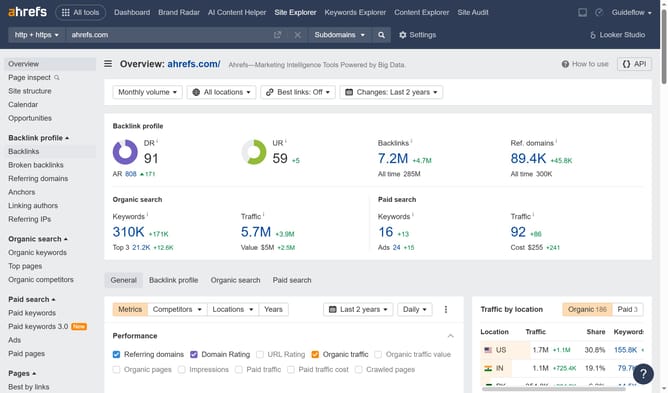
- First click on "Site Explorer" in the top navigation menu
- In the search bar, click the domain input field to enter a URL
- Click the "Search" button to analyze the URL
- In the left sidebar menu, click on "Ads" under the "Paid search" section
- Next click on "Avg. traffic" checkbox in the metrics selection area
- Next click the "Export" button located at the top right of the table
- Finally click on the "Export" button in the export dialog popup
Why should you export ad traffic trend data from Ahrefs
Ahrefs is a comprehensive tool widely used for tracking and optimizing SEO and PPC campaigns.
Exporting ad traffic trend data from Ahrefs equips marketers with vital insights into their campaign performances. This feature allows users to analyze data trends, providing a clear view of what attracts the audience and what doesn't.
Having access to exported data helps in formulating data-driven strategies to improve traffic acquisition and maximize ROI.
Utilizing this feature can lead to more effective advertising campaigns that are both cost-efficient and highly targeted.
Last update