How to export competitor paid page data from Ahrefs
Here is how to export competitor paid page data from ahrefs
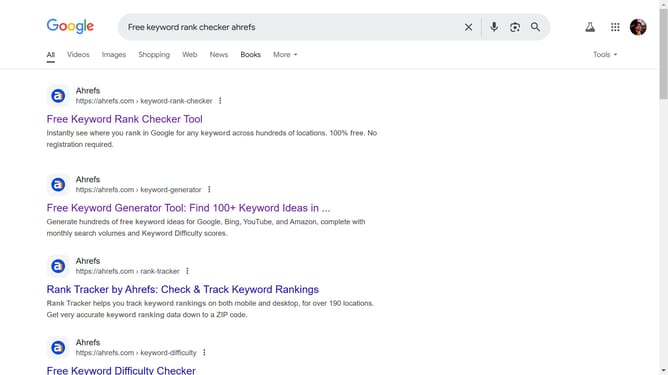
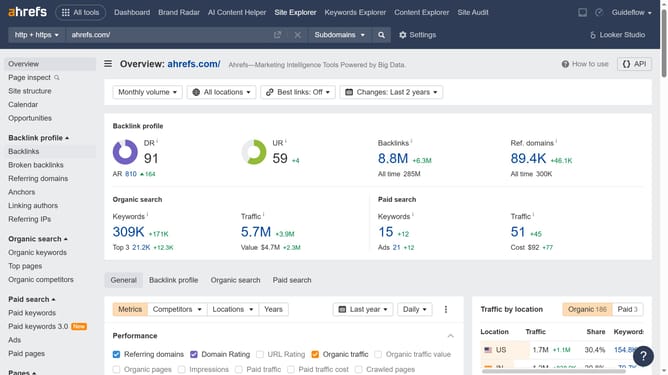
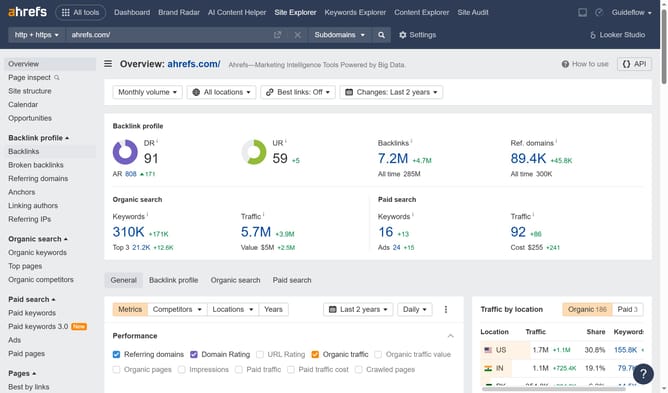
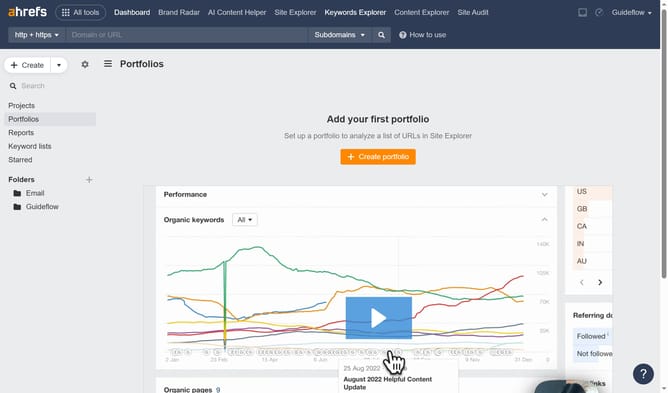
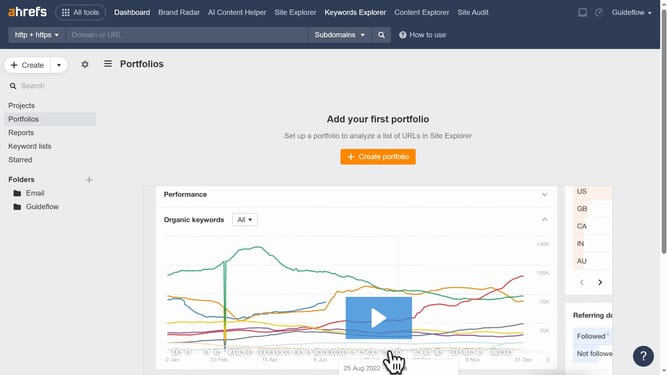
- First click on "Site Explorer" in the top navigation menu
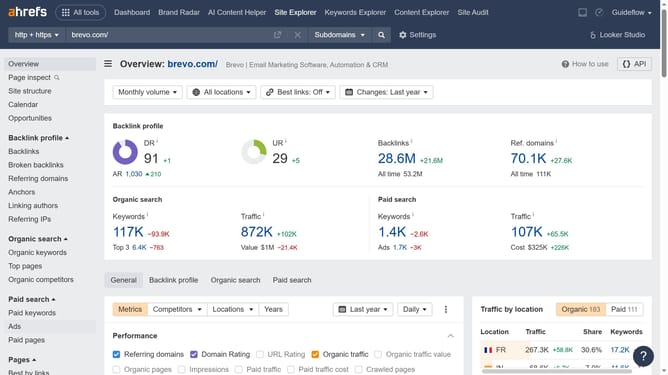
- Then type the competitors domain or URL search field
- Next click the search button to analyze the domain
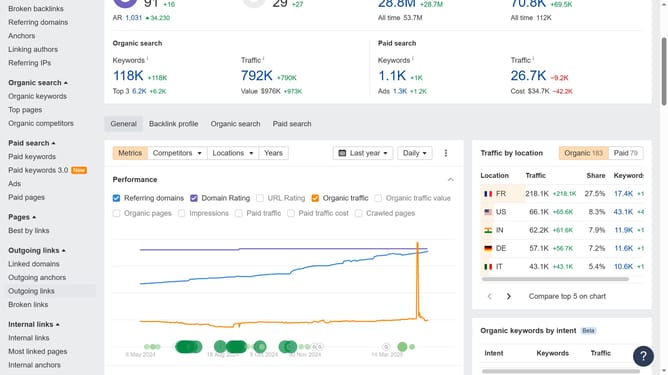
- Then click on "Paid pages" in the left sidebar menu
- Next click on the "Export" button in the top right corner
- Finally click the "Export" button in the export dialog window
Why should you export competitor paid page data from Ahrefs
Ahrefs is a robust SEO tool designed to enhance your online presence by providing insightful data analytics.
Exporting competitor paid page data from Ahrefs offers an edge in understanding your competitors' advertising strategies. This feature enables you to analyze what is driving traffic to their paid pages.
By utilizing this feature, it fosters strategic decision-making, allowing you to focus efforts on profitable keywords and ad strategies. Gaining insights into competitor data helps refine your own marketing tactics, potentially increasing your return on investment.
Last update