How to add filters for ad research in Ahrefs
Here is how to add filters for ad research in ahrefs
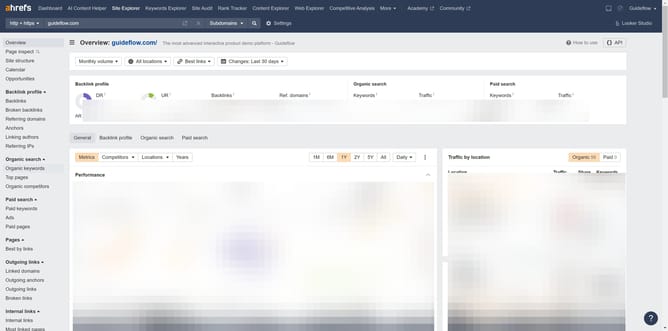
- First click on the "Ads" link in the left sidebar
- Then click on the "Add filter" button in the filter toolbar
- Next choose an filter option from the dropdown filter menu
- Then click on "Apply" button after entering range values
- Finally click on "Show results" button to apply the filter
Why should you add filters for ad research in Ahrefs
Ahrefs is a powerful tool for uncovering detailed insights about your website's online presence and performance.
Adding filters for ad research in Ahrefs streamlines the process of sifting through extensive data, honing in on the most relevant insights.
This feature is particularly beneficial for digital marketers seeking to understand competitor strategies and enhance their own ad campaigns.
By judiciously applying filters, users can efficiently analyze data, pinpoint trends, and optimize their advertising efforts with greater precision.
Last update