How to check anchor text and target URL in Ahrefs
Here is how to check anchor text and target url in ahrefs
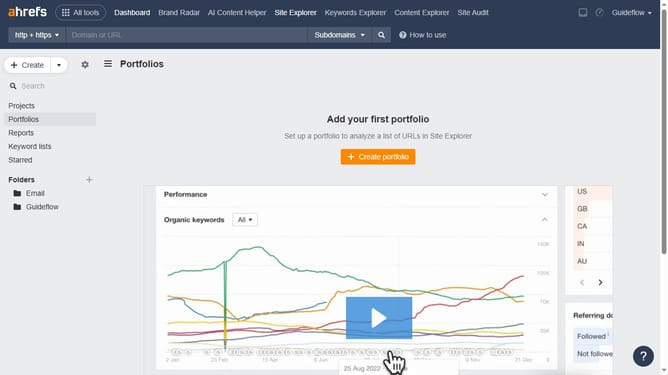
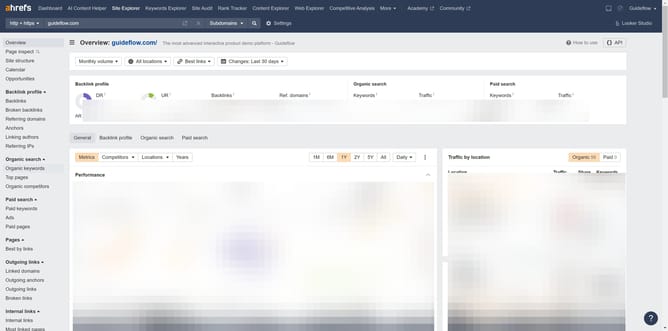
- First click on "Site Explorer" in the top navigation menu
- Type the domain in the search input field
- Click the search button to analyze the domain
- Click on "Backlinks" in the left sidebar menu
- In this column, you’ll find the anchor text and target URL associated with each backlink
- Click on a specific target URL link to view detailed backlink information
Why should you check anchor text and target URL in Ahrefs
Ahrefs is a powerful tool designed to enhance your SEO strategy by offering comprehensive insights into backlinks and keywords.
Checking anchor text and target URL in Ahrefs allows you to gain valuable details about the links pointing to your website. This feature helps you ensure that your backlinks contain relevant and varied anchor texts, optimizing your search performance.
By examining the target URL, you can verify that links are directing traffic to the appropriate pages, maximizing your link-building efforts.
Utilizing these insights can significantly enhance your site's authority and visibility in search engine results.
Last update