How to analyze traffic by country in Ahrefs
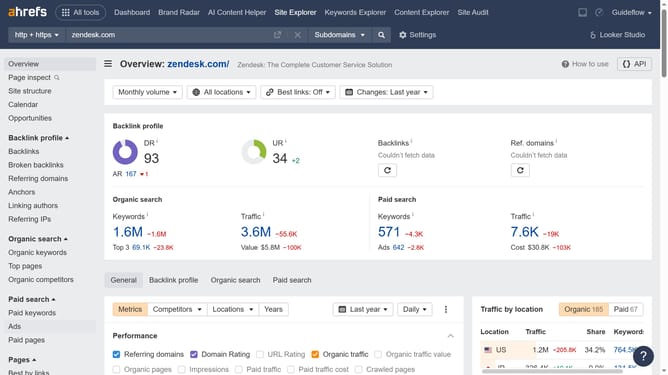
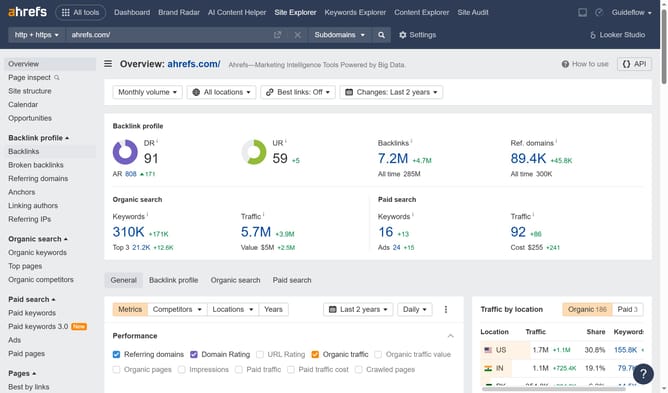
Here is how to analyze traffic by country in ahrefs
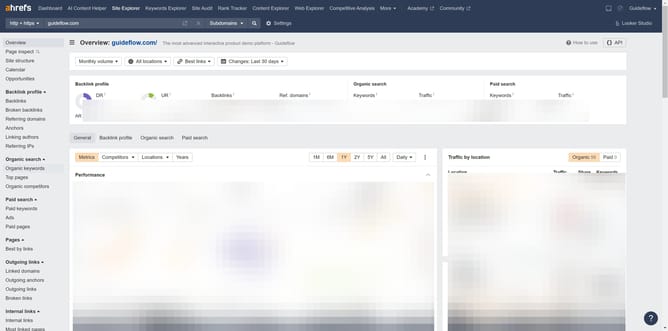
- First click on "Site Explorer" in the top navigation menu
- Click on the "Domain or URL" input field in the search bar
- Type the website's name in the "Domain or URL" search field
- Click the search button to analyze the domain
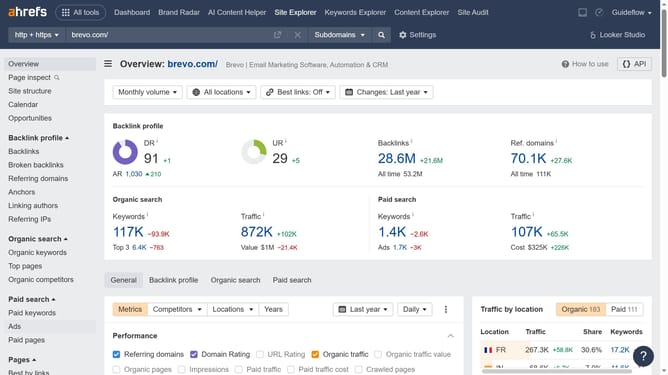
- In the left sidebar navigation, click on "Top pages" under the "Organic search" section
- Click on the "All locations" dropdown menu in the filters bar
- Select the desired country from the locations list
- Click the "Show results" button to apply the location filter
Why should you analyze traffic by country in Ahrefs
Ahrefs is a powerful tool designed to enhance your digital marketing strategies by offering comprehensive insights into website performance.
Analyzing traffic by country in Ahrefs allows you to understand where your audience originates, providing essential data for tailoring your content to diverse demographics.
This feature helps you identify high-potential markets and adjust your strategies to boost engagement and conversions based on geographical preferences.
With this knowledge, you can prioritize efforts in regions showing promising traffic, ultimately optimizing your global SEO efforts.
Last update