How to download the organic competitors graph in Ahrefs
Here is how to download the organic competitors graph in ahrefs
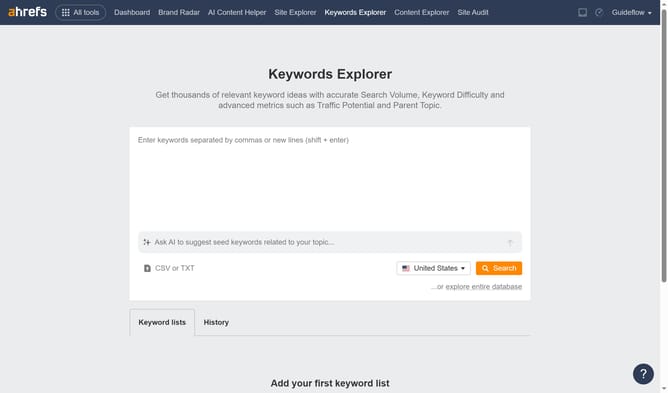
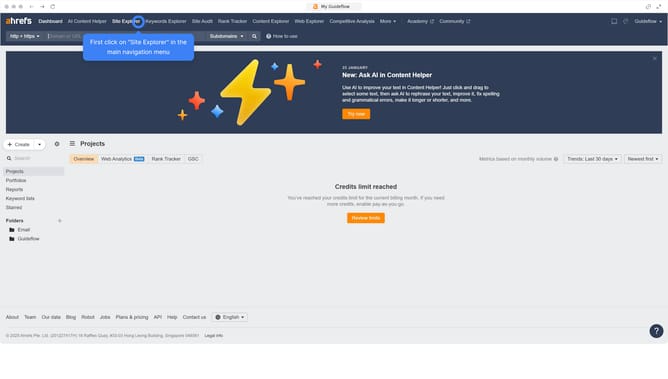
- First click on "Site Explorer" in the main navigation menu
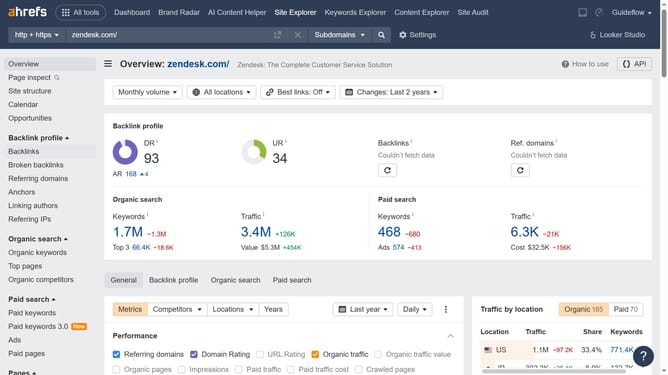
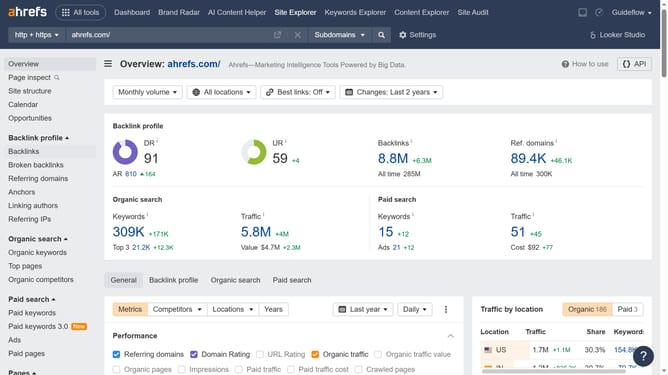
- Enter the domain in the URL search field on the Site Explorer page
- Click the "Search" button to analyze the domain
- Then click on "Organic competitors" in the left sidebar menu
- Next click on "Competitive map" section to expand it
- Finally click on "Export" button in the top right corner of the competitors view
Why should you download the organic competitors graph in Ahrefs
Ahrefs is a powerful SEO tool designed to enhance online visibility by providing in-depth website analysis.
Downloading the organic competitors graph in Ahrefs is a key feature that empowers marketers to visualize competitive landscapes easily.
Understanding competitor dynamics is crucial for developing strong SEO strategies, and this feature offers valuable insights.
By accessing this graph, you can identify gaps in your market strategy and leverage them to improve your site’s performance effectively.
Last update