

Ahrefs
Ahrefs is an SEO toolset for backlink analysis, keyword research, and competitive insights.
Website
Industry
SEO
Share this article:

How to analyze multiple keywords at once in Ahrefs

Here is how to analyze multiple keywords at once in ahrefs

  1. First click on the "Keywords Explorer" link in the top navigation menu
  2. Then click into the main keywords input field and enter your first keyword
  3. After typing in your first key press "Shift+Enter" to create a new line for your multiple keywords
  4. Finally click the "Search" button to analyze the keywords you entered
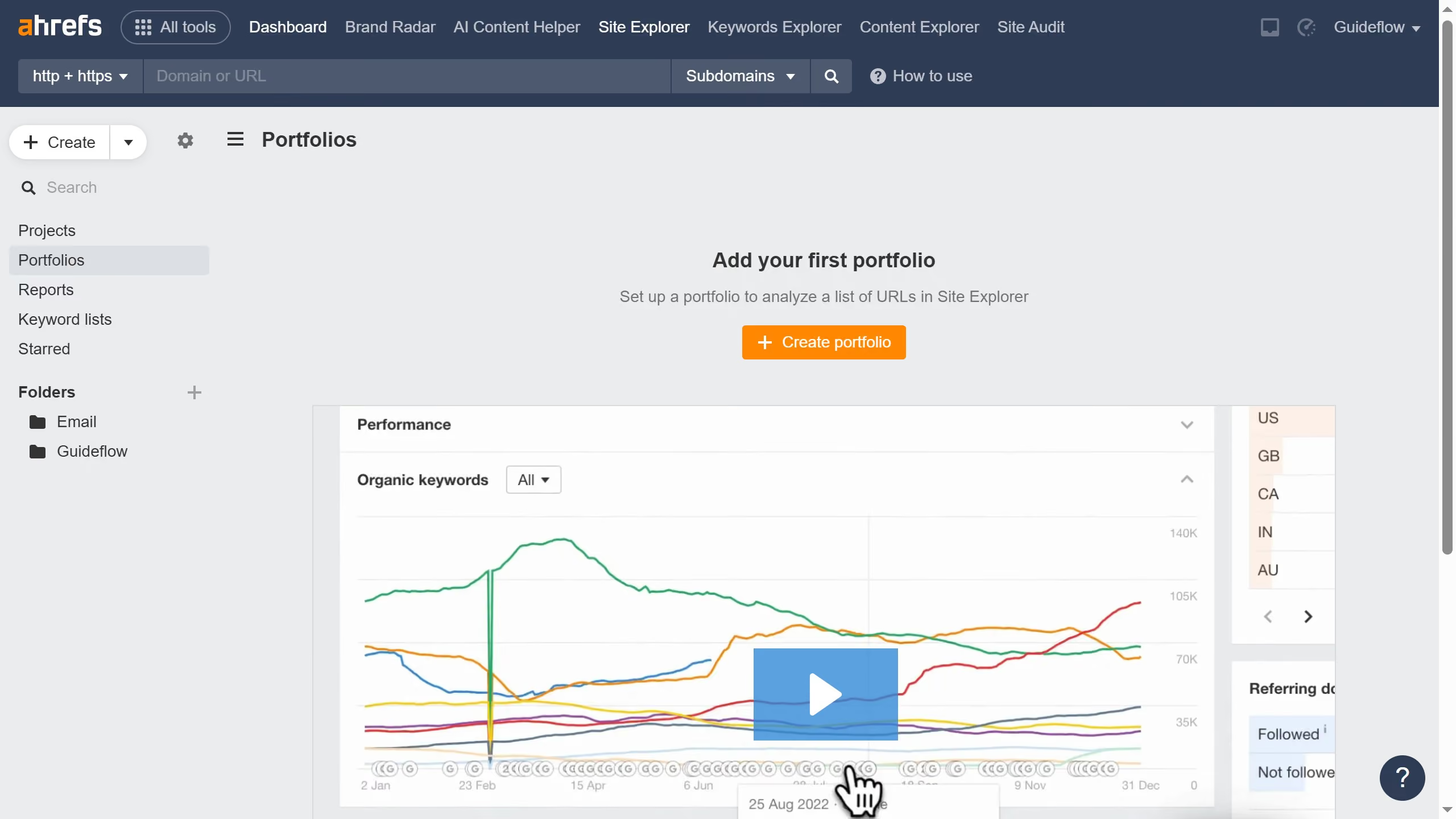
Create your own interactive guide with Guideflow

Why should you analyze multiple keywords at once in Ahrefs

Ahrefs is a powerful tool designed to optimize your search engine strategies.

Analyzing multiple keywords simultaneously in Ahrefs allows SEO enthusiasts to gain comprehensive insights swiftly and efficiently.

This feature is pivotal for crafting strategies, identifying trends, and making informed decisions, significantly saving time and effort.

By leveraging this capability, users can enhance keyword targeting and improve overall search rankings with utmost precision.

Last update
June 16, 2026
Cursor MariaA cursor points to a button labeled "James."

Create your first demo in less than 30 seconds.

