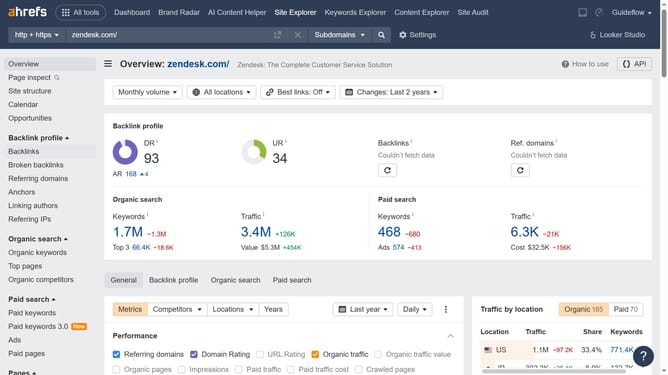
How to monitor daily traffic changes in Ahrefs
Here is how to monitor daily traffic changes in ahrefs
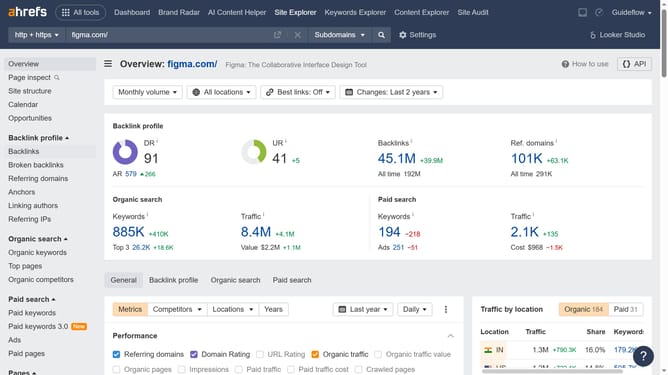
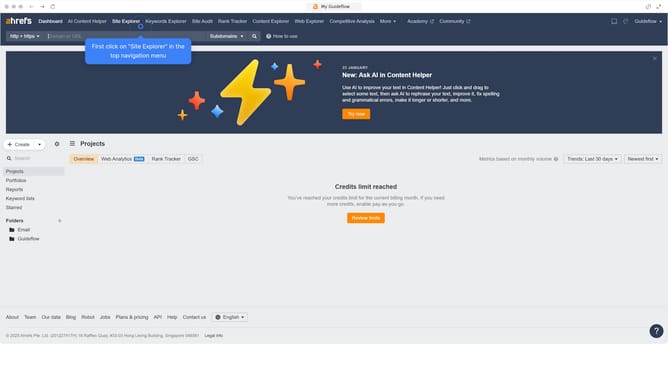
- First click on "Site Explorer" in the top navigation menu
- Click in the URL search field in the center of the page
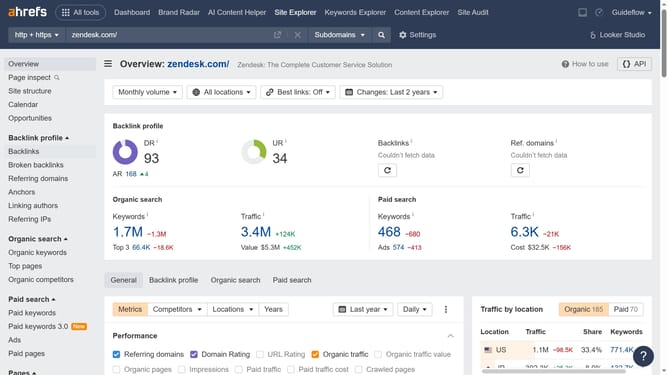
- Type or paste the URL in the search field
- Click the search button to analyze the domain
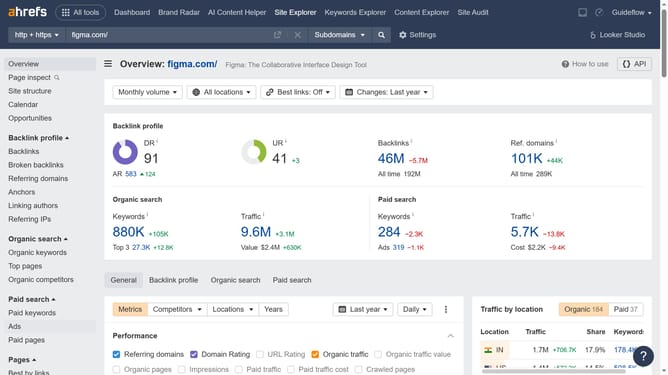
- In the left sidebar, click on "Top pages" under the Organic search section
- Click on the date dropdown
- Select "Custom date" from the date picker dropdown menu
- Select the date you want to monitor
- Finally click the "Apply" button to update the date range
Why should you monitor daily traffic changes in Ahrefs
Ahrefs is a powerful tool designed to provide deep insights into your website's performance in search engines.
Monitoring daily traffic changes in Ahrefs lets you stay updated with fluctuations in visitor numbers, helping detect patterns and anomalies. This feature offers detailed overviews, enabling you to make informed decisions on content strategy and SEO enhancements.
By staying on top of daily traffic trends, you can respond swiftly to shifts, optimize resource allocation, and ultimately drive more effective engagement with your audience. This proactive approach is valuable for maintaining competitive vitality in the digital marketplace.
Last update