How to export PPC competitor data from Ahrefs
Here is how to export ppc competitor data from ahrefs
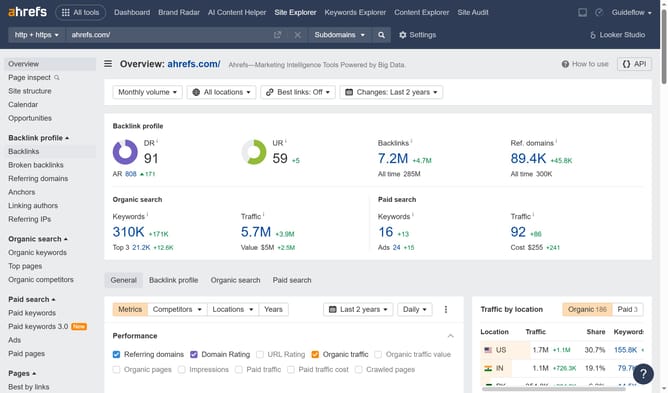
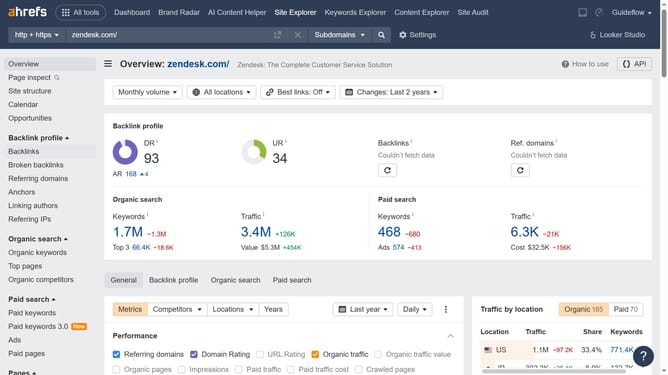
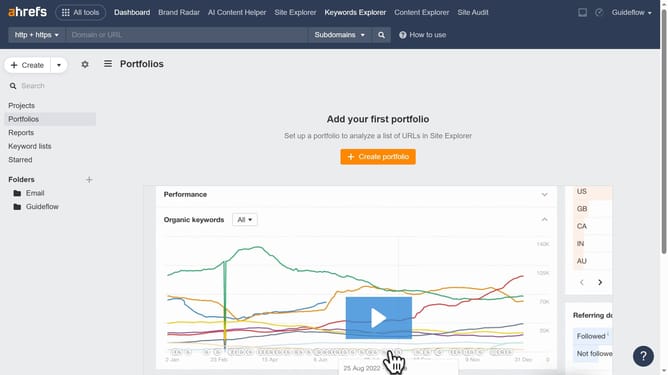
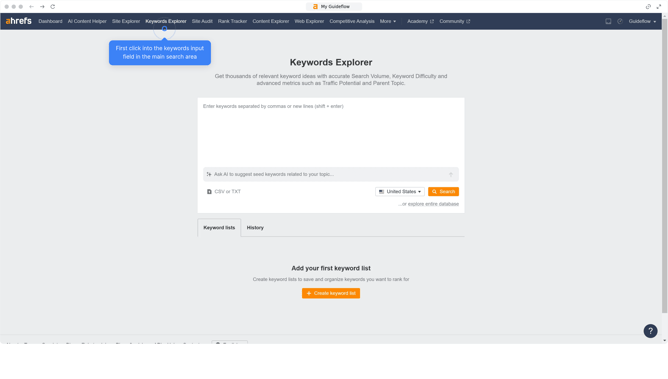
- First click on "Site Explorer" in the top navigation menu
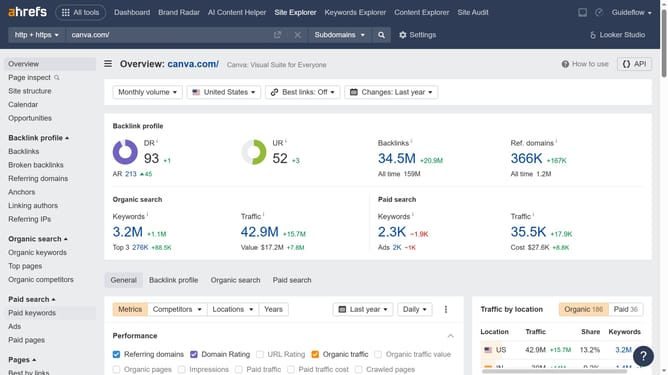
- In the URL input field, click to enter your domain
- Click the "Search" button to analyze the domain
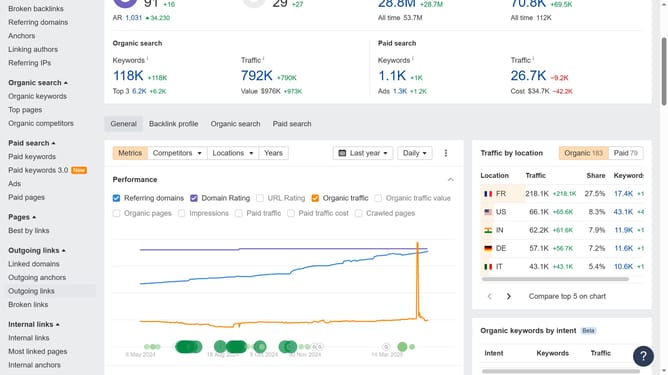
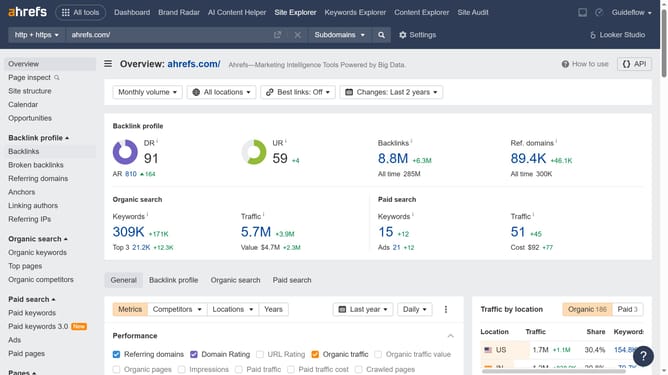
- In the left sidebar, click on "Paid keywords" under the "Paid search" section
- Click the "Export" button in the top right corner of the keywords table
- Finally click the "Export" button to download the data including the Pay-per-Click
Why should you export PPC competitor data from Ahrefs
Ahrefs is a powerful tool designed to enhance SEO and digital marketing strategies through comprehensive data analysis.
Exporting PPC competitor data from Ahrefs allows marketers to gain solid insights into what their competitors are up to. By doing so, one can understand competitor strategies and identify high-performing keywords.
This feature is beneficial as it helps inform precise PPC campaigns, allowing businesses to fine-tune their approaches. Ultimately, it translates into smarter decisions and a competitive edge in the digital marketplace.
Last update