How to find noindex inbound links in Ahrefs
Here is how to find noindex inbound links in ahrefs
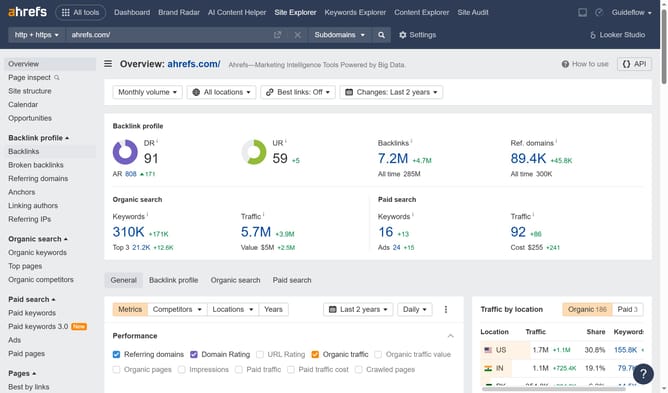
- First click on the "Backlinks" option in the left sidebar menu
- Then click on the "Lost" filter in the top filter bar to view lost backlinks
- Next click on the "Status" dropdown menu in the top filter bar
- Finally select "Noindex" option from the Status dropdown menu to filter noindexed backlinks
Why should you find noindex inbound links in Ahrefs
Ahrefs is a powerful SEO tool designed to supercharge your online strategy.
Finding noindex inbound links within Ahrefs is essential for maintaining an effective SEO approach. Recognizing these links helps refine your backlink profile and ensures your efforts are focused on enhancing search engine visibility.
Users benefit by identifying links that won't contribute to search rankings, allowing optimization of resources where they matter most. This feature empowers smarter decision-making and elevates website performance.
By leveraging this insight, Ahrefs users can focus on impactful links, driving optimal SEO results efficiently.
Last update