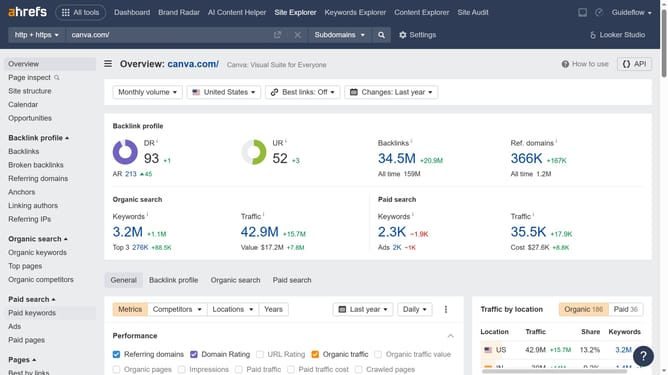
How to export specific inbound link types in Ahrefs
Here is how to export specific inbound link types in ahrefs
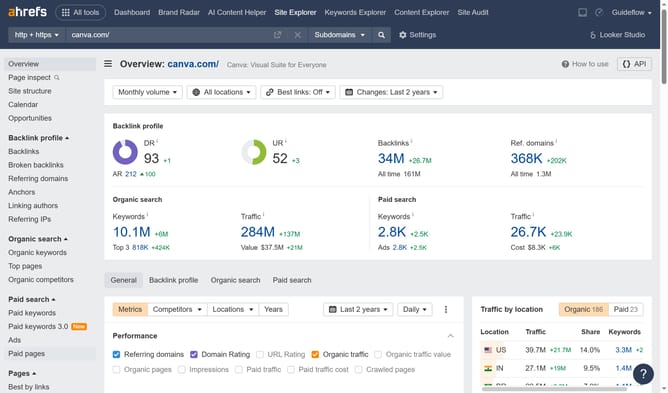
- First click on "Backlinks" item in the left sidebar menu to view the inbound links
- Then click on "Backlink type" dropdown in the top filter bar
- Next select the desired option from the Backlink type dropdown menu
- Then click "Show results" button in the search filters area
- Next click on "Export" button in the top right corner of the results table
- Finally click "Export" button in the export settings modal window
Why should you export specific inbound link types in Ahrefs
Ahrefs is a powerful SEO tool renowned for helping users boost their website's visibility and search rankings.
One of its standout features is the ability to export specific inbound link types. This feature enhances strategic insights by allowing users to focus on the most valuable links for their website's growth.
Using this feature, SEO professionals can isolate and analyze crucial data points, optimizing link-building strategies effectively, and facilitating targeted improvements in search engine rankings.
Last update