How to download paid position history from Ahrefs
Here is how to download paid position history from ahrefs
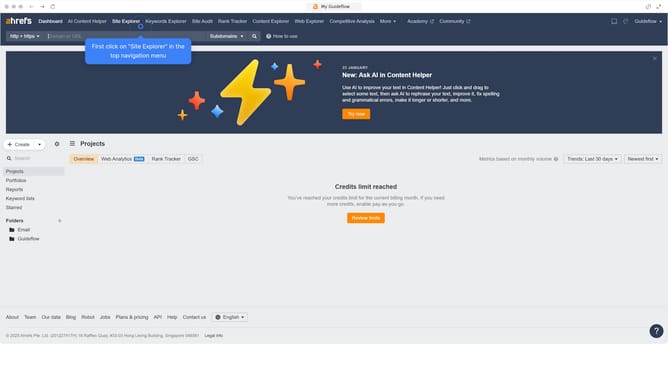
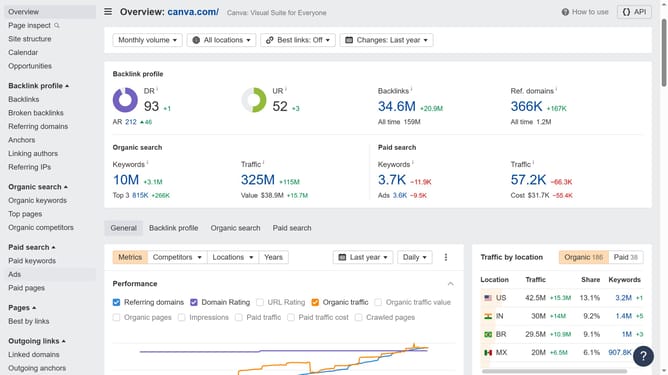
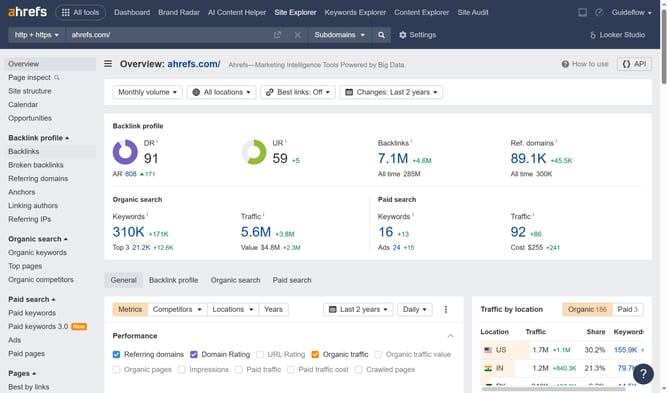
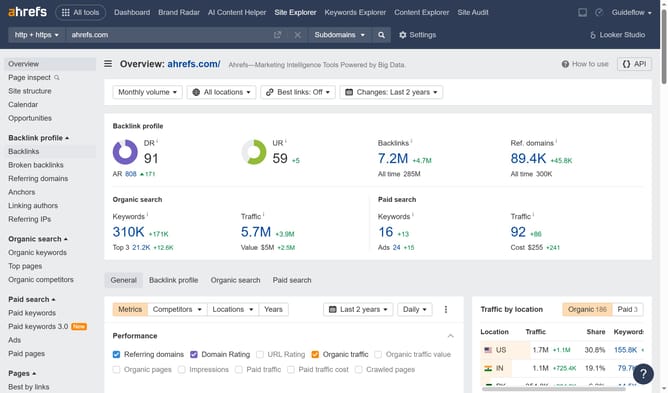
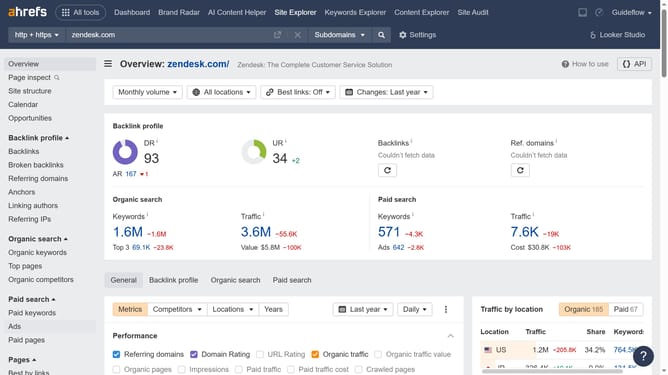
- First click on "Paid keywords" in the left sidebar menu
- Then click on the "Columns" button in the top right corner of the page
- Next select "Paid position" from the columns dropdown menu
- Then click on the compare dropdown menu
- Select the preferred date range from the comparison options dropdown
- Then click the "Export" button located in the top-right corner of the table
- Finally click the "Export" button to download the data
Why should you download paid position history from Ahrefs
Ahrefs is a powerful SEO toolset designed for efficient market analysis and optimization strategies.
Downloading paid position history from Ahrefs offers a comprehensive overview of past advertising efforts. This feature allows you to see how your paid search positions have evolved over time, providing invaluable insights into your campaign successes and areas for improvement.
Utilizing this feature, you can make informed decisions by analyzing trends and refining strategies, ultimately aiding in optimizing your marketing budget and maximizing ROI.
Last update