How to sort referring domains by traffic in Ahrefs
Here is how to sort referring domains by traffic in ahrefs
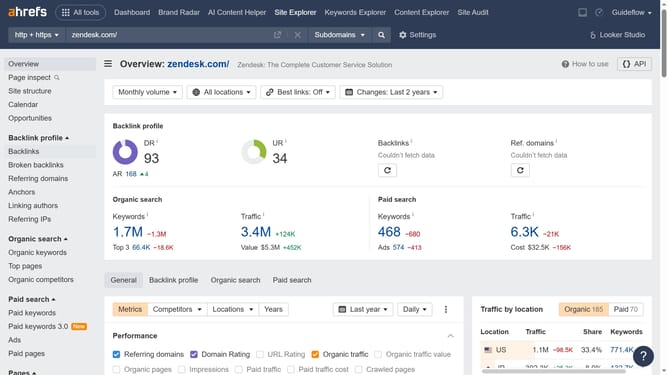
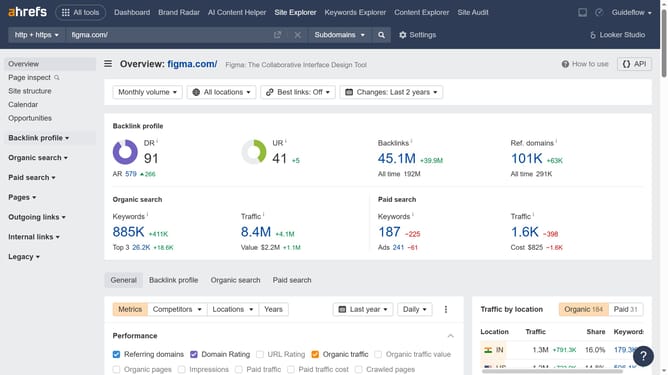
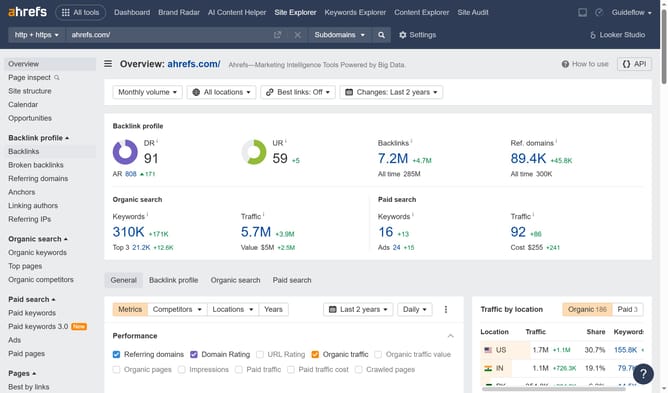
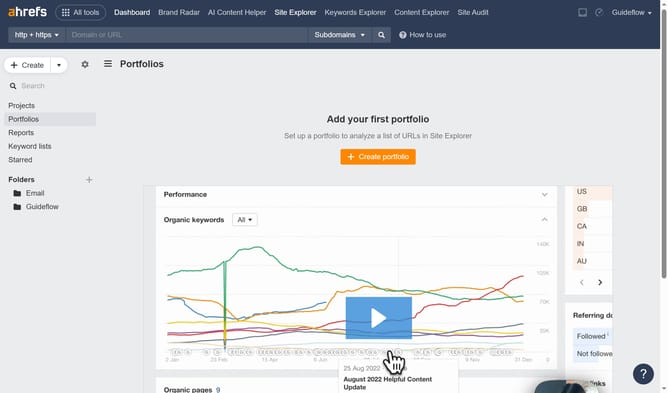
- Click on "Site Explorer" in the top navigation menu
- Enter the domain in the URL search field on the Site Explorer page
- Click the "Search" button to analyze the domain
- In the left sidebar menu, click on "Referring domains" under the Backlink profile section
- Click on the "Traffic" column header in the referring domains table to sort the results
Why should you sort referring domains by traffic in Ahrefs
Ahrefs is a powerful toolset for improving search engine optimization and analyzing competitive landscapes.
One standout feature is the ability to sort referring domains by traffic, offering users insights into which backlinks drive the most visitors.
This feature provides clarity on your website's backlink quality, helping prioritize efforts on high-traffic domains.
By leveraging this data, you can refine outreach strategies and enhance overall link-building effectiveness, leading to better SEO performance.
Last update