How to see the outbound links for your site in Ahrefs
Here is how to see the outbound links for your site in ahrefs
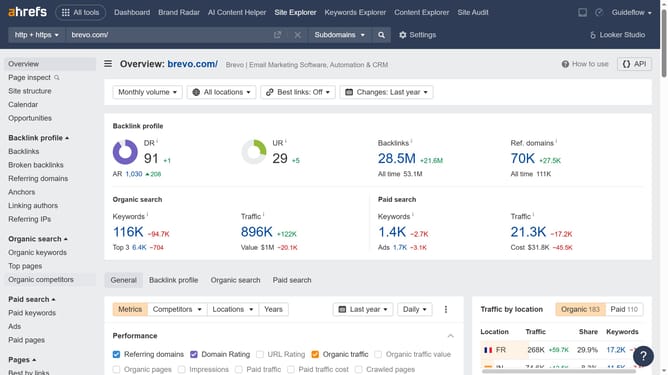
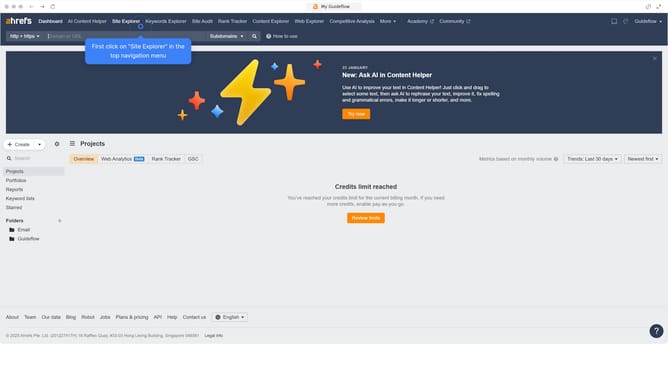
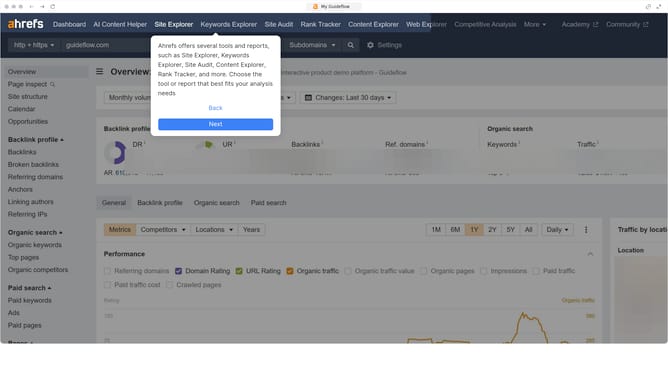
- First click on "Site Explorer" in the top navigation menu
- Then enter your website's domain or URL input field in the search bar
- Click the "Search" button to begin the analysis
- In the left sidebar menu, click on "Outgoing links" under the Outgoing links section
- You will see "Outgoing Links pages", located under the Referring page section in the left sidebar
- On each page, you can view the outbound links displayed on the right, including details like anchor text, and target URLs
Why should you see the outbound links for your site in Ahrefs
Ahrefs is a powerful SEO tool designed to enhance your website’s online visibility through comprehensive analytics.
The feature of viewing outbound links in Ahrefs allows you to quickly identify where your site directs users, providing insights into your linking strategy.
Understanding outbound links can help you maintain a balanced link profile, enhancing the user experience while supporting good SEO practices by avoiding unhealthy link associations.
This feature empowers you to refine your external linking to reinforce credibility and content relevance, offering a robust means to optimize your site's authority.
Last update