How to add performance comparison dates in Ahrefs
Here is how to add performance comparison dates in ahrefs
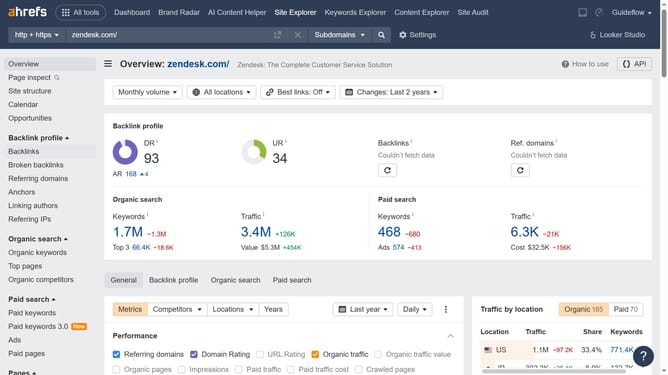
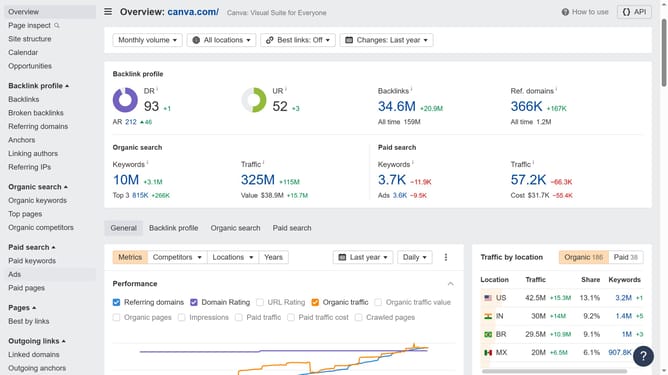
- First click on the "Ads" option in the left sidebar menu to access the paid advertising section
- Then click on the "Compare" dropdown button in the main content area
- Finally select the desired date range from the comparison period dropdown menu
Why should you add performance comparison dates in Ahrefs
Ahrefs is a powerful SEO tool designed to boost your website's visibility by analyzing critical data.
The ability to add performance comparison dates in Ahrefs offers a nuanced view of your site's SEO trajectory.
This feature enables you to pinpoint what strategies led to spikes in traffic or uncover periods where visibility may have dipped.
Ultimately, it helps you make informed decisions by comparing specific time frames, optimizing your strategies with precise, actionable insights.
Last update