How to check CPC (Cost Per Click) for keywords in Ahrefs
Here is how to check cpc (cost per click) for keywords in ahrefs
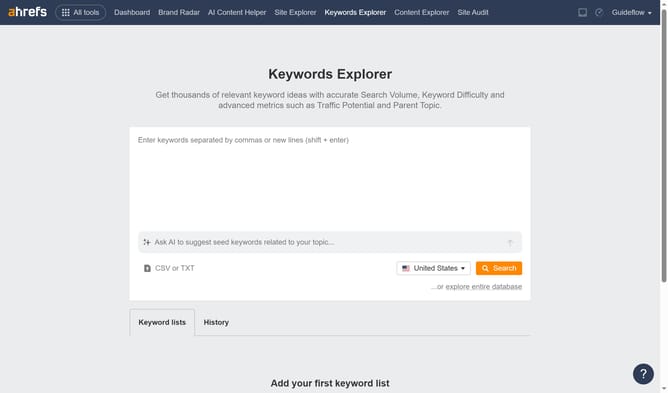
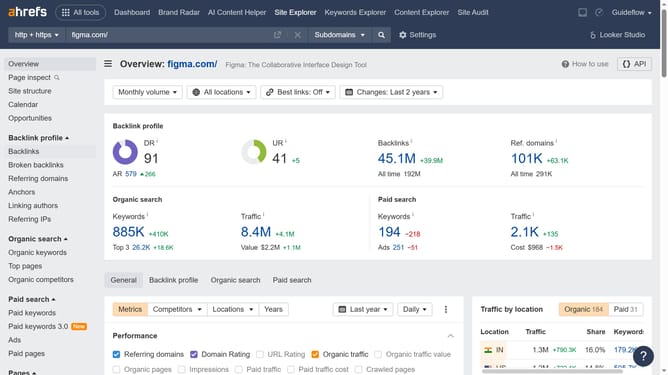
- First click on the "Keywords Explorer" link in the top navigation menu
- Then click on the keywords input field to enter your search term
- Next click on the "Search" button to view keyword metrics and analysis
- In the Search Volume widget, you’ll find the keyword’s CPC
Why should you check CPC (Cost Per Click) for keywords in Ahrefs
Ahrefs is a comprehensive tool designed to boost your SEO and digital marketing efforts with powerful data insights.
Among its plethora of features, checking the CPC (Cost Per Click) for keywords stands out as a pivotal asset. Knowing the CPC helps marketers understand the competitive landscape for keywords they're targeting.
By using Ahrefs to check CPC, businesses can make informed decisions and strategically allocate budgets, ensuring they get the maximum return on investment from their campaigns.
Last update