Ahrefs
Ahrefs is an SEO toolset for backlink analysis, keyword research, and competitive insights.
Website
Industry
SEO
Share this article:

How to export outbound links within a specific date range in Ahrefs

Here is how to export outbound links within a specific date range in ahrefs

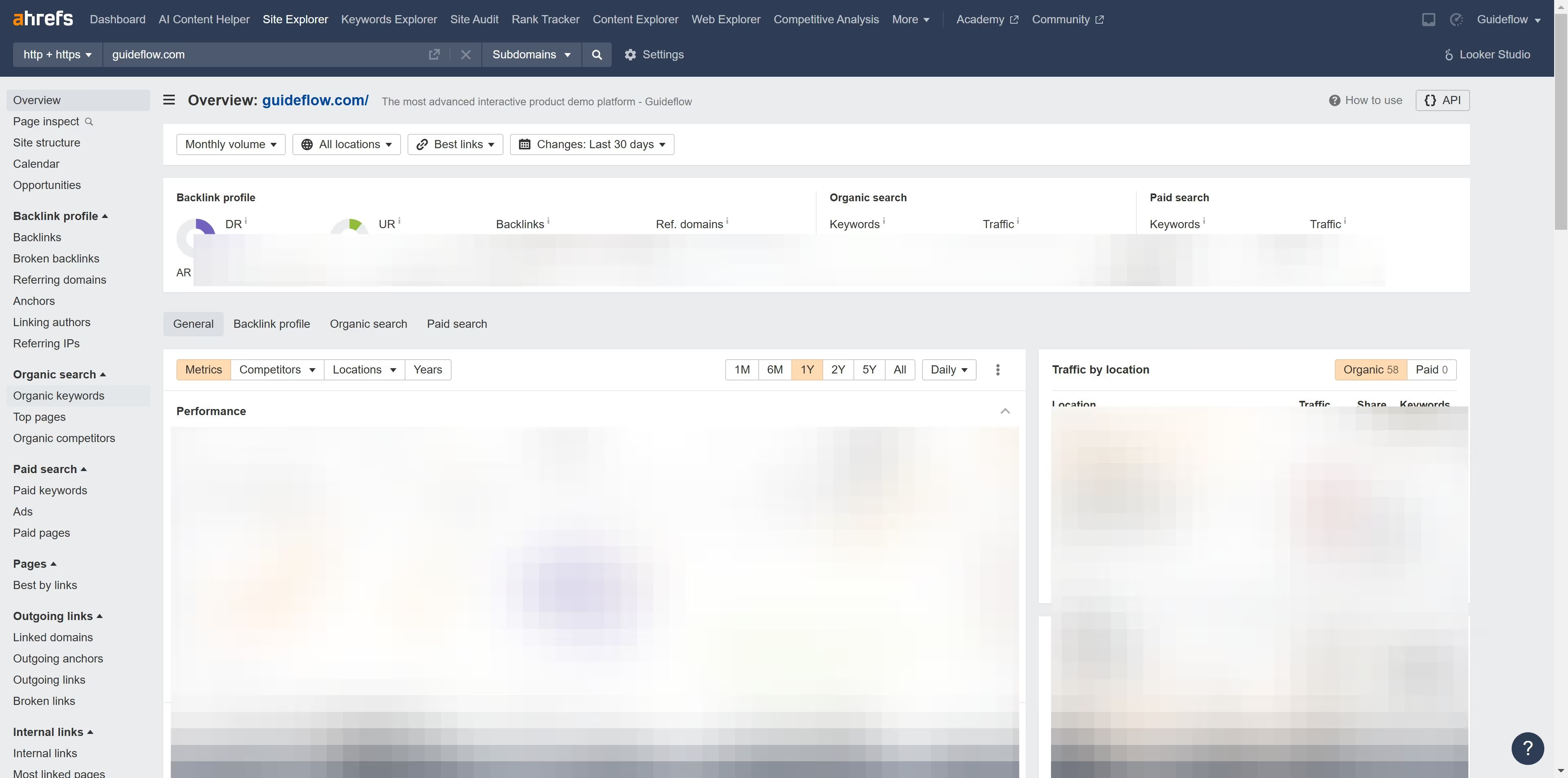
  1. First click on "Site Explorer" in the top navigation menu
  2. In the search bar, click the domain input field to enter a URL
  3. Click the "Search" button to analyze the URL
  4. Click on "Outgoing links" in the left sidebar menu
  5. In the outgoing links section, click the "First seen" dropdown filter
  6. Select "Custom range" option from the date filter dropdown
  7. Click in the calendar view to select dates
  8. Click the "Apply" button to apply the date filter
  9. Then click the "Export" button located at the top right of the table
  10. Finally click the "Export" button after selecting the preffered CSV export format

Create your own interactive guide with Guideflow

Why should you export outbound links within a specific date range in Ahrefs

Ahrefs is a powerful tool designed to boost your SEO by providing in-depth analysis of backlinks and keyword research.

A significant feature within Ahrefs is the ability to export outbound links within a specific date range. This allows users to efficiently track the outbound links they've created over a designated period.

Using this feature not only helps in managing link-building strategies but also in understanding the impact and relevance of the links you utilize. Monitoring these metrics is essential in refining your SEO approach.


Last update
June 16, 2026
Cursor MariaA cursor points to a button labeled "James."

Create your first demo in less than 30 seconds.