How to identify new referring domains in Ahrefs
Here is how to identify new referring domains in ahrefs
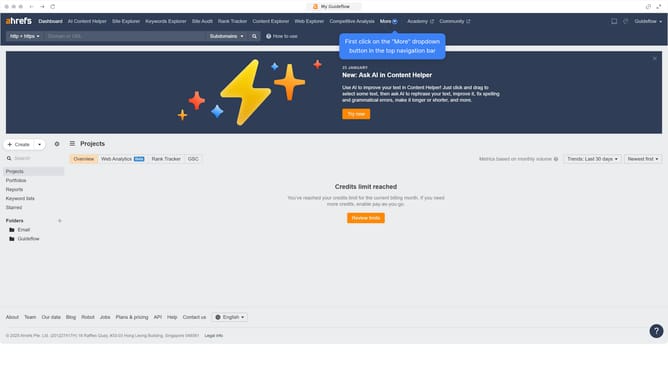
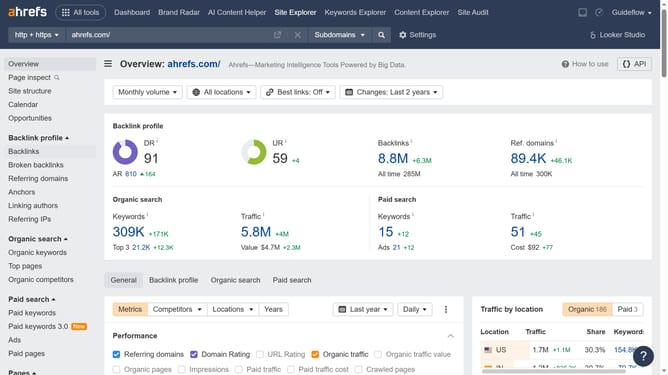
- First click on "Site Explorer" in the top navigation menu
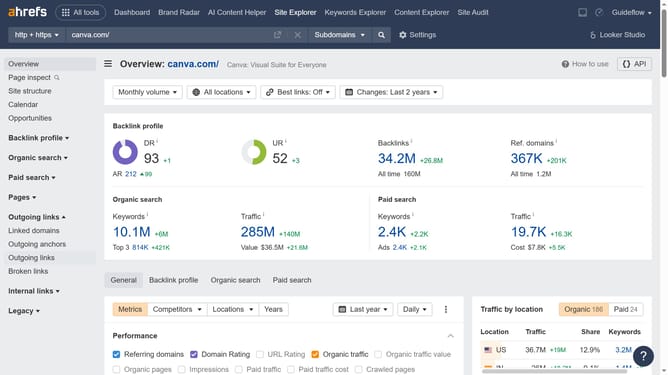
- Then click on the URL input field in the center of the page to enter a domain
- Next click the "Search" button to analyze the domain
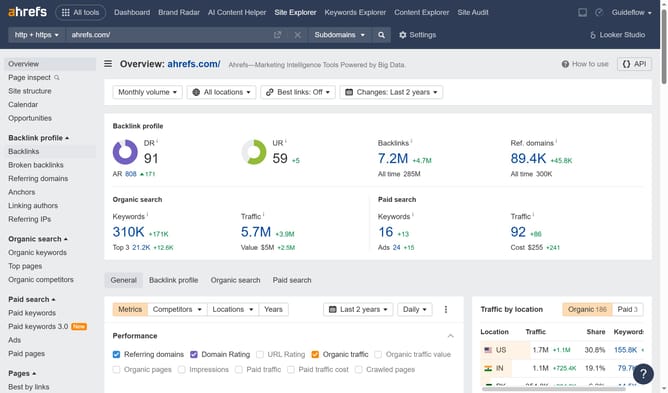
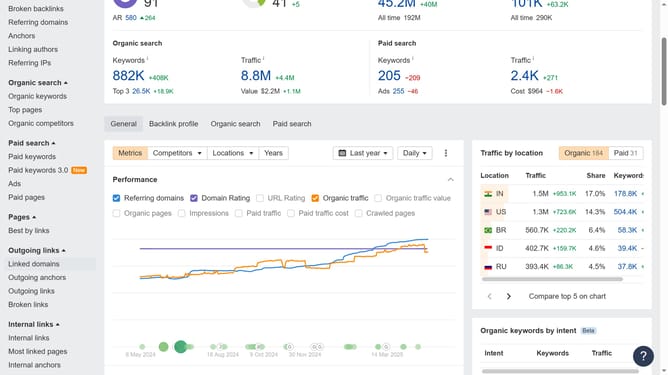
- In the left sidebar, click on "Referring domains" under the Backlink profile section
- Click on "New" tab in the referring domains filter options
- Click on the dropdown menu to adjust the time period filter
- Finally select the desired option from the dropdown to change the date range
Why should you identify new referring domains in Ahrefs
Ahrefs is a robust tool designed to enhance your SEO performance by providing comprehensive backlink analysis.
Identifying new referring domains in Ahrefs is a breeze, empowering you to track websites that recently linked to your site. This insight is essential as it allows you to understand your growing influence and reach.
Monitoring these new referring domains can help you refine your SEO strategies, identify high-performing content, and build stronger relationships for future collaborations.
Overall, this feature boosts your competitive edge by keeping you up-to-date with your link-building progress.
Last update