How to review keyword commonality with competitors in Ahrefs
Here is how to review keyword commonality with competitors in ahrefs
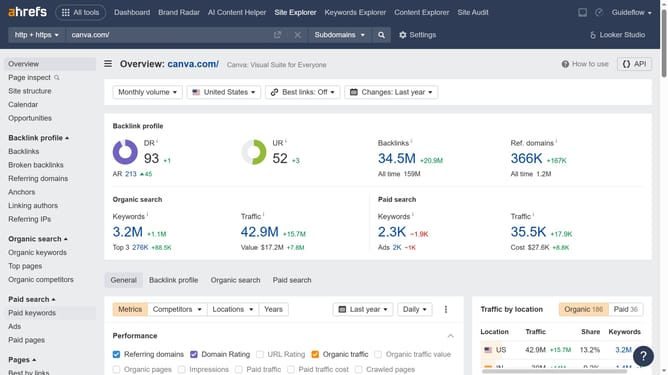
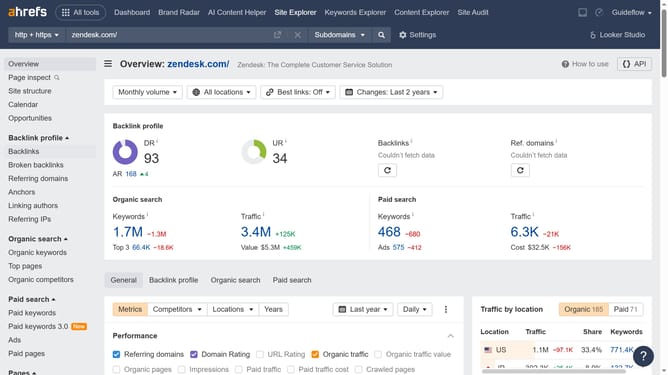
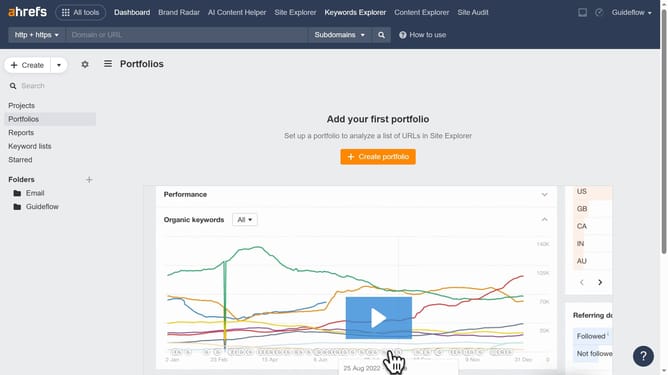
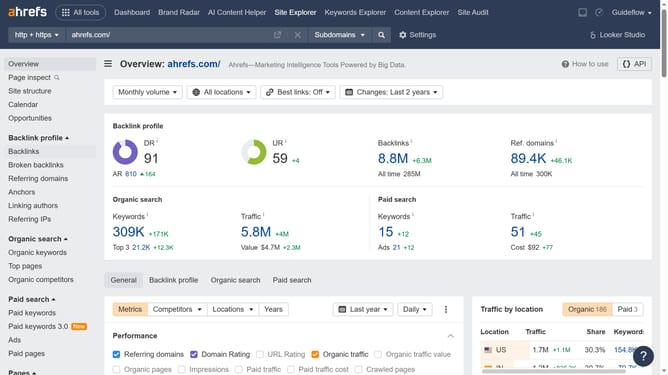
- First click on "Site Explorer" in the top navigation menu
- Then click in the "Domain or URL" search field to enter a website address
- Click the "Search" button to analyze the domain
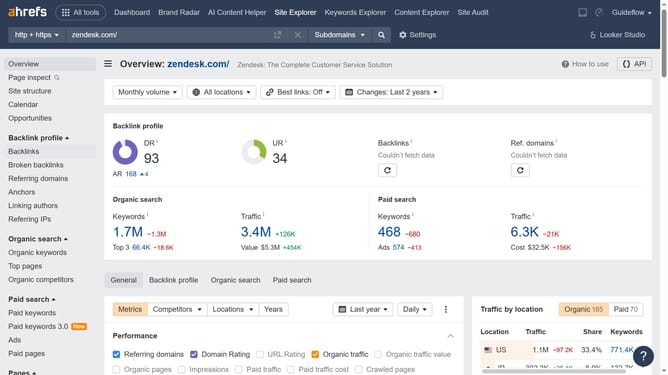
- Then click on "Organic competitors" in the left sidebar menu
- In the report, select a competitor and click the number in the "Common keywords" column to access more detailed information about the shared keywords
Why should you review keyword commonality with competitors in Ahrefs
Ahrefs is a powerful tool designed to enhance your SEO strategy by unearthing insightful data.
Reviewing keyword commonality with competitors in Ahrefs allows you to see which keywords you and your rivals are targeting.
Understanding this overlap can reveal opportunities to diversify and refine your keyword strategy, allowing you to capture untapped market potential.
This feature equips you to boost your site's visibility intelligently, guiding you towards informed decisions that improve your competitive edge.
Last update