How to find regular inbound links in Ahrefs
Here is how to find regular inbound links in ahrefs
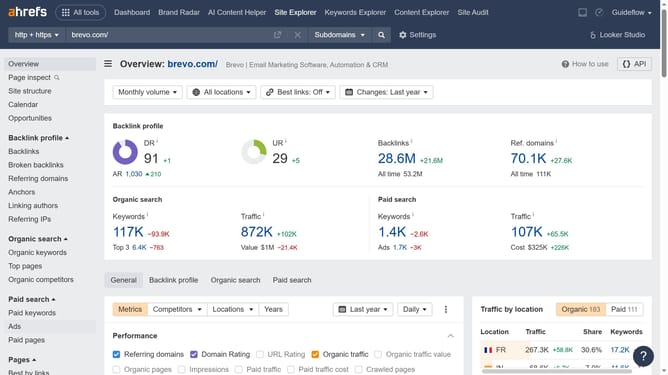
- First click on the "Backlinks" item in the left sidebar menu
- Then click on the "Backlink type" dropdown filter in the top filter bar
- Next select "Regular links" from the dropdown menu
- Finally click on the "Show results" button to apply the regular links filter
Why should you find regular inbound links in Ahrefs
Ahrefs is a powerful tool designed to enhance your SEO efforts by analyzing and optimizing your website's online presence.
Locating regular inbound links using Ahrefs is a feature that provides comprehensive insights into who is linking to your site regularly, offering a clear picture of your site's authority and impact.
By understanding the regular inbound link sources, you can tailor your content strategies to strengthen these connections and improve your search rankings.
Utilizing this feature effectively ensures that you're building a robust link profile, boosting visibility, and driving sustained traffic growth.
Last update