How to analyze SERP titles in Ahrefs
Here is how to analyze serp titles in ahrefs
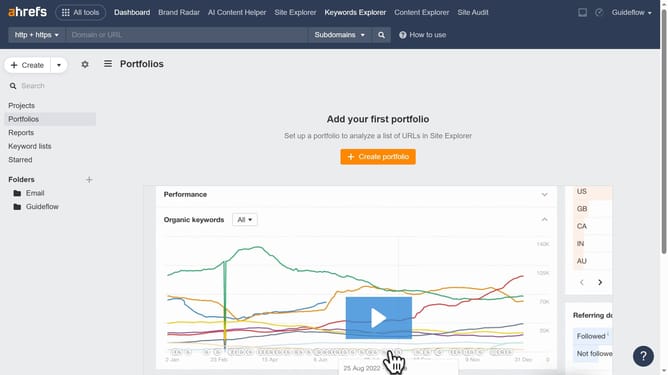
- Click on "Site Explorer" in the top navigation menu
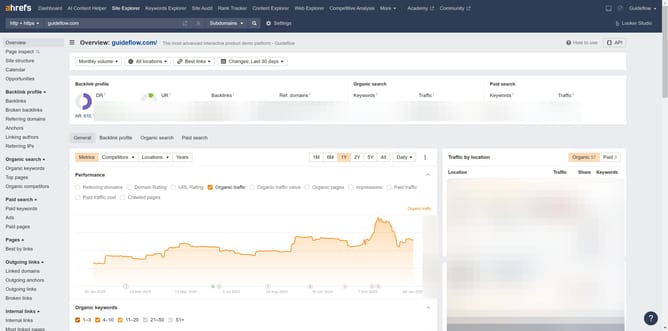
- Click in the URL input field in the search bar
- Type or paste the URL in the input field
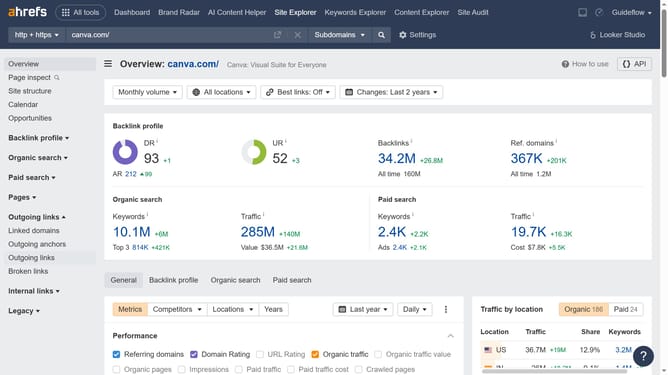
- Click the orange search button in the search bar
- Click on "Top pages" in the left sidebar menu
- Click on "SERP titles" in the data table filters
Why should you analyze SERP titles in Ahrefs
Ahrefs is a powerful tool designed to enhance your SEO strategy by providing in-depth insights and data analysis.
One key feature of Ahrefs is the ability to analyze SERP titles, which allows you to understand the competitive landscape of any keyword or topic.
By examining SERP titles, you can identify trends and patterns in headline structures that resonate with searchers, enabling you to craft more compelling titles for your own content.
This analysis helps in optimizing click-through rates and staying ahead of your competitors in search results.
Last update