How to track monthly volume in Ahrefs
Here is how to track monthly volume in ahrefs
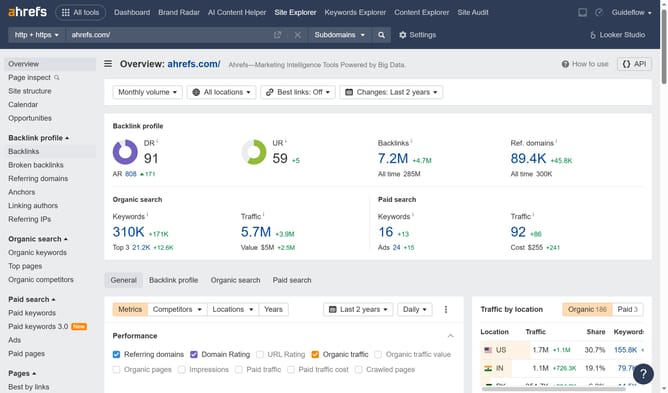
- First click on the "Site Explorer" link in the top navigation menu
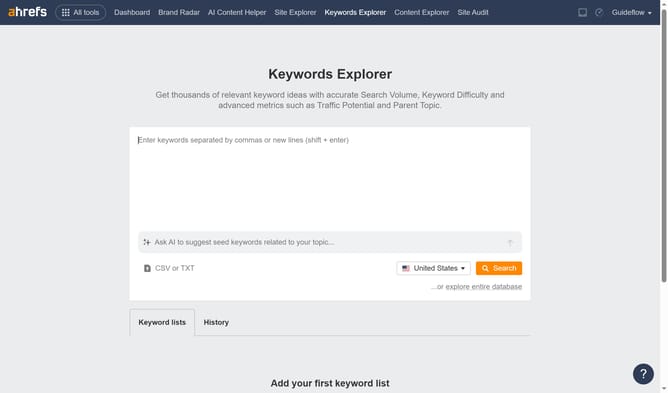
- Next, click on the search input field and type the website's name
- Then click the orange "Search" button or press enter
- After that click on the "Traffic" number in the Overview section
- Then click on the "Average volume" dropdown menu in the top filter bar
- Next select "Monthly volume" from the dropdown options
- Finally click the "Show results" button to apply the selected filter
Why should you track monthly volume in Ahrefs
Ahrefs is a comprehensive tool designed to boost your search engine optimization strategy with powerful data insights.
Tracking monthly volume in Ahrefs provides a clear insight into the search potential of specific keywords over time. This feature offers valuable data for making informed decisions when planning content and marketing strategies.
By understanding these trends, you can tailor your efforts to align with audience interest, ensuring maximum visibility and effectiveness in your SEO campaigns.
Last update