How to apply multiple filters to refine organic keyword data in Ahrefs
Here is how to apply multiple filters to refine organic keyword data in ahrefs
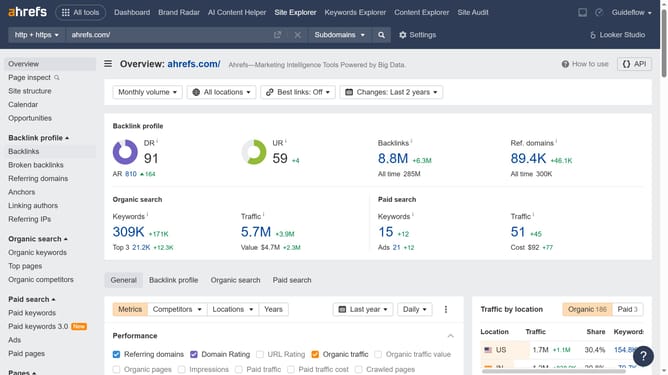
- First click on "Site Explorer" in the top navigation menu
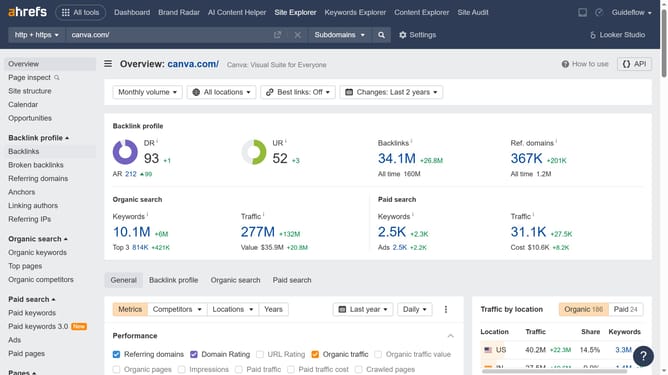
- In the URL input field, click to enter the domain
- Type the domain in the domain input field
- Click the orange search button to analyze the domain
- In the left sidebar, click on "Organic keywords" under the "Organic search" section
- Click the "Add filter" button in the filters toolbar
- Select a filter option from the filter dropdown menu
- Click "Add filter" again in the filters toolbar
- Select another filter option from the second filter dropdown menu
- Click "Show results" button to apply the filters
Why should you apply multiple filters to refine organic keyword data in Ahrefs
Ahrefs is a powerful tool designed to enhance your SEO strategy by providing insightful data on organic search performance.
Applying multiple filters to refine organic keyword data in Ahrefs allows users to pinpoint the most valuable keywords for their specific goals.
This feature is instrumental because it enables SEO professionals to sift through vast amounts of data efficiently, focusing on the metrics that truly matter.
By using multiple filters, you ensure that your keyword analysis is both precise and relevant, saving time and improving overall strategy effectiveness.
Last update