How to download referring domain reports in Ahrefs
Here is how to download referring domain reports in ahrefs
- First click on "Site Explorer" in the top navigation menu
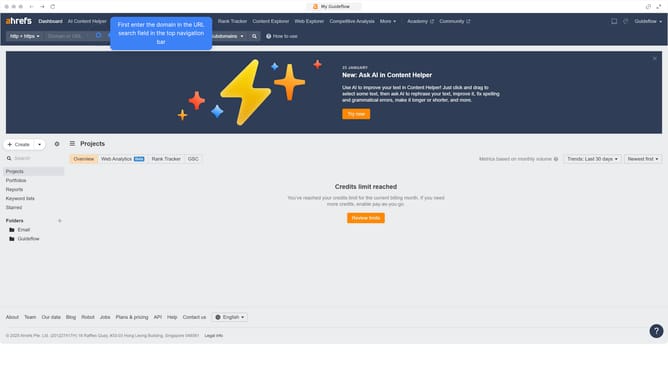
- Enter the domain in the URL search field on the Site Explorer page
- Click the "Search" button to analyze the domain
- Click on "Referring domains" in the left sidebar menu
- Click the "Export" button in the top right corner
- Finally click the "Export" button in the modal window
Why should you download referring domain reports in Ahrefs
Ahrefs is a powerful tool designed to boost your website's visibility and search rankings.
Downloading referring domain reports in Ahrefs streamlines the process of understanding your backlink profile. It provides you with detailed insights into websites that link back to your content.
Using this feature helps in identifying high-quality backlinks, enhancing your link-building strategies, and ultimately improving your site's SEO performance.
Regular analysis of these reports can reveal valuable partnership opportunities and inform content development plans.
Last update