How to analyze paid keywords performance in Ahrefs
Here is how to analyze paid keywords performance in ahrefs
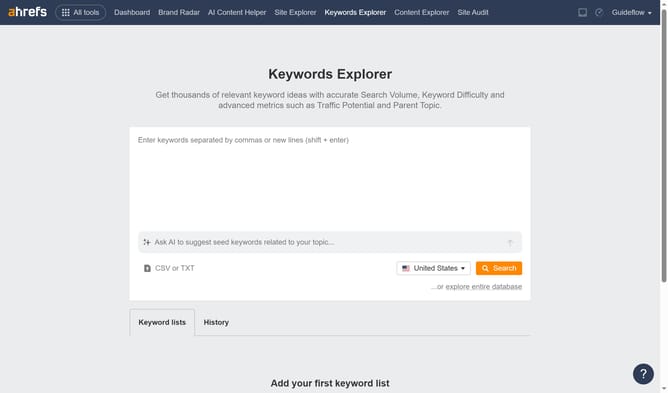
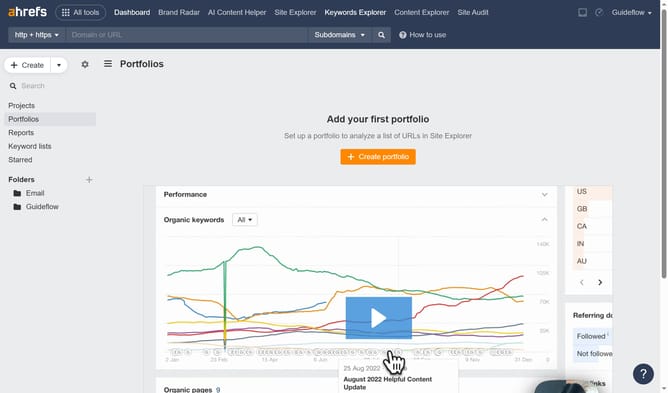
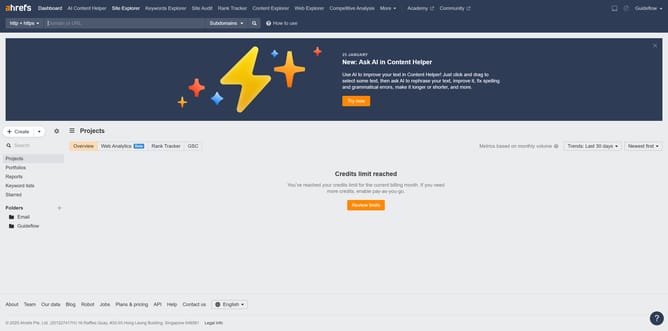
- First click on "Site Explorer" in the top navigation menu
- In the search bar, click the domain input field to enter a URL
- Click the "Search" button to analyze the URL
- Finally click on "Paid keywords" in the left sidebar menu under the Paid search section
Why should you analyze paid keywords performance in Ahrefs
Ahrefs is a powerful tool crafted to enhance your SEO and uncover comprehensive competitor insights.
When it comes to analyzing paid keywords performance, Ahrefs provides invaluable metrics that reveal how well your paid strategies are working. You can identify the most profitable keywords, allowing you to optimize your ad spend effectively.
By leveraging these insights, you ensure smarter budgeting, targeting the right audience and maximizing your overall advertising impact.
Ultimately, this leads to better ROI and business growth.
Last update