How to track branded keywords in Ahrefs
Here is how to track branded keywords in ahrefs
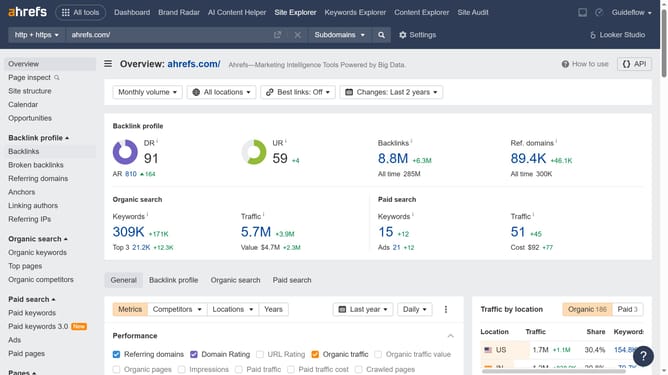
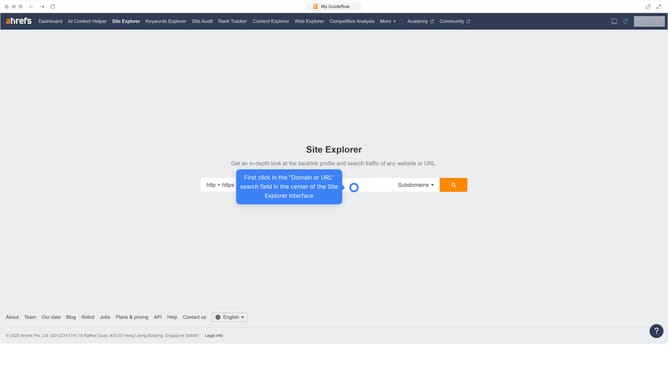
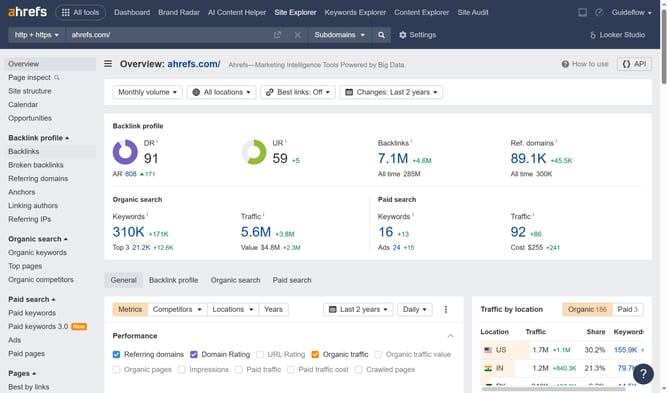
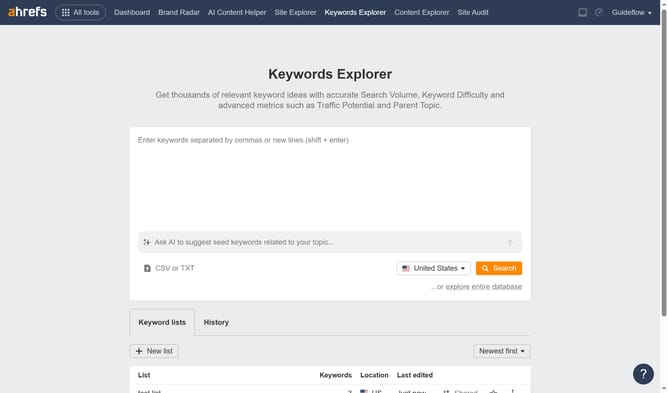
- First click on "Site Explorer" in the top navigation menu
- Then click on the URL input field and enter the domain
- Click the "Search" button
- Then click on "Organic keywords" in the left sidebar menu
- Next click on "Intents" filter button in the filters toolbar
- Then click on "Branded" option in the dropdown menu
- Next click on "Apply" button in the filter dialog
- Finally click on "Show results" button to display filtered results
Why should you track branded keywords in Ahrefs
Ahrefs is a powerful SEO tool designed to enhance online visibility by providing insightful keyword tracking and analysis.
One standout feature is its ability to track branded keywords effortlessly. This feature allows businesses to closely monitor how often and where their brand is mentioned online, providing valuable insights.
Tracking branded keywords with Ahrefs not only helps in maintaining brand reputation but also aids in understanding competitors’ strategies. By gaining a clearer view of your brand's reach, you can tailor your strategies for maximum impact.
Last update