How to filter new referring domains by date in Ahrefs
Here is how to filter new referring domains by date in ahrefs
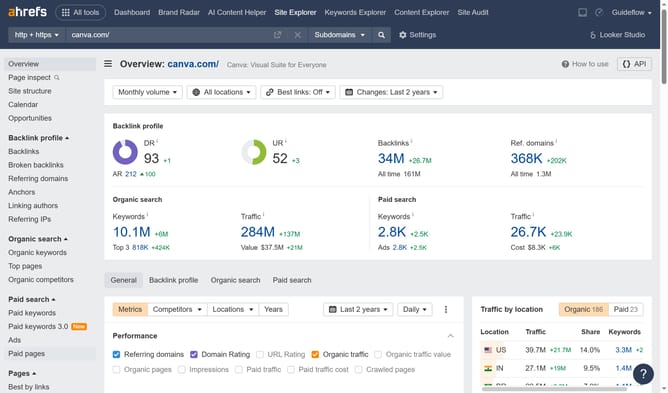
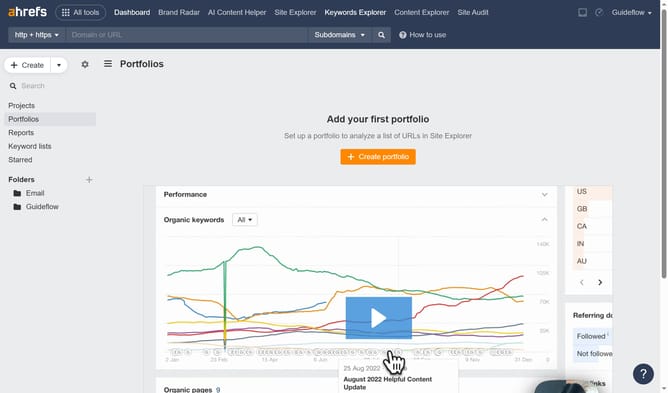
- First click on "Site Explorer" in the top navigation menu
- Enter the domain in the URL search field on the Site Explorer page
- Click the "Search" button to analyze the domain
- In the left sidebar menu, click on "Referring domains" option
- Click on "Show history" dropdown menu
- Select "Custom date" option from the dropdown menu
- Select the desired date from the calendar popup
- Finally click the "Apply" button to set the custom date range
Why should you filter new referring domains by date in Ahrefs
Ahrefs is a powerful tool designed to elevate your SEO efforts through insightful data analysis.
One standout feature is its ability to filter new referring domains by date. This offers a streamlined way to track your site's growth and benchmark your link-building campaigns.
By utilizing this feature, you can easily identify fresh backlinks, assess the impact of recent marketing strategies, and ensure your brand's visibility is on the rise. It's an excellent way to maintain an edge in the competitive digital landscape.
Last update