How to export backlink reports from Ahrefs
Here is how to export backlink reports from ahrefs
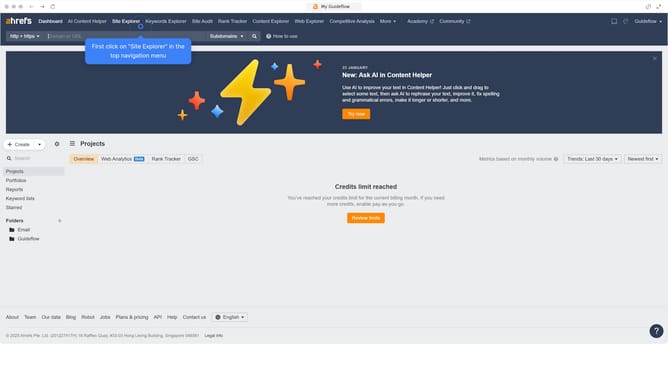
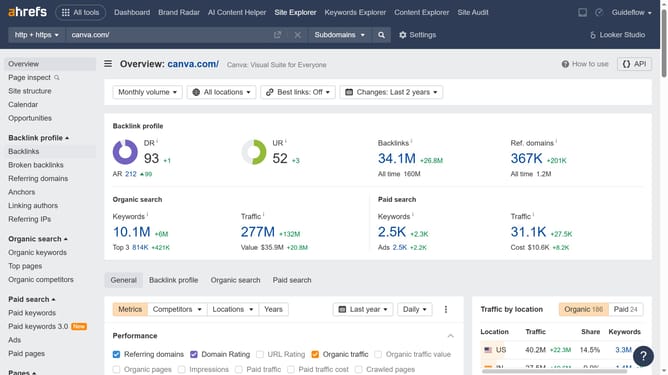
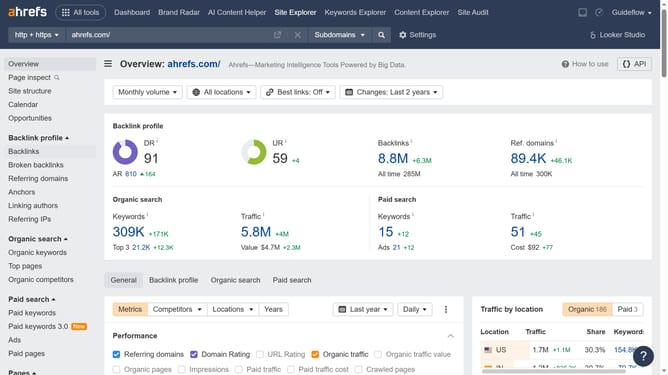
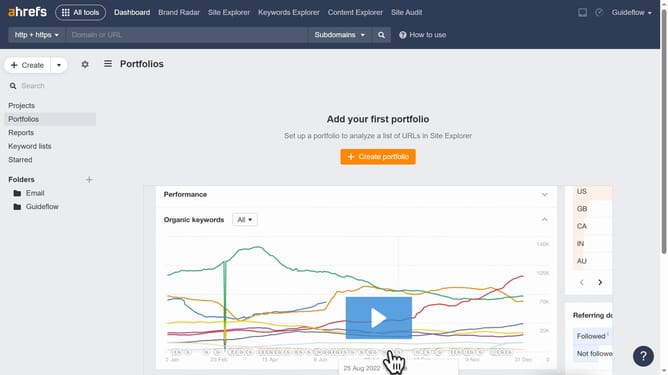
- First click on the "Site Explorer" link in the top navigation menu
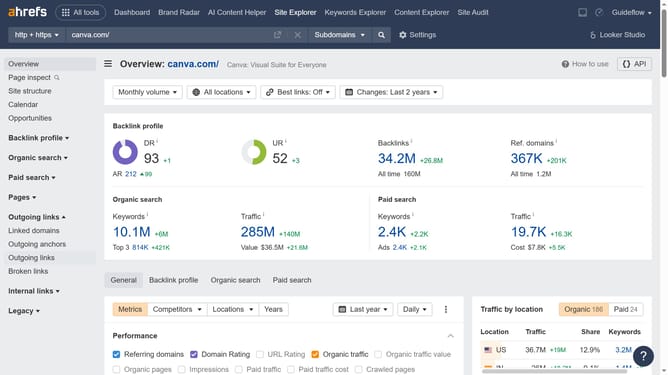
- Then click on the URL input field and type the domain you want to analyze
- Then click on the "Search" button to analyze the domain
- After that click on the "Backlinks" item in the left sidebar menu
- Click on the "Export" button in the top right corner of the backlinks table
- Finally click the "Export" button after choosing the format
Why should you export backlink reports from Ahrefs
Ahrefs is a powerful tool designed to enhance your SEO strategies through comprehensive insights and analytics.
Exporting backlink reports from Ahrefs allows you to easily access valuable data about your website's link profile.
This feature provides an efficient way to analyze backlink sources, helping you identify opportunities for improving your site’s authority.
By exporting this data, you gain a clear overview of your backlink performance, paving the way for strategic link-building initiatives.
Last update