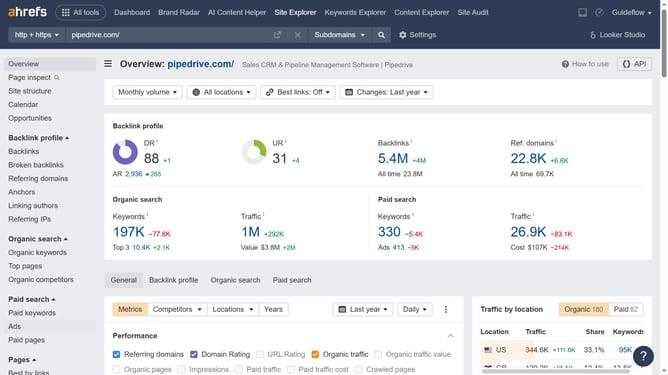
How to monitor a competitor's outbound links in Ahrefs
Here is how to monitor a competitor's outbound links in ahrefs
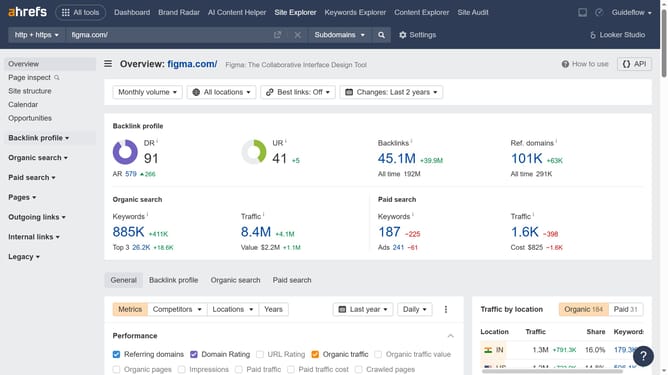
- First click on "Site Explorer" in the top navigation menu
- In the search bar, click the domain input field to enter the competitors URL
- Click the "Search" button to analyze the URL
- Finally click on "Outgoing links" in the left sidebar menu
Why should you monitor a competitor's outbound links in Ahrefs
Ahrefs is a powerful tool that provides insights into SEO strategies by offering comprehensive data on backlinks and keywords.
Monitoring a competitor's outbound links using Ahrefs allows you to understand their linking strategy, revealing potential partnership opportunities or gaps in their approach.
This information helps refine your own SEO tactics, ensuring you stay ahead in the competitive landscape.
Utilizing this feature not only enhances your link-building strategy but also broadens your understanding of industry trends and networking possibilities.
Last update