How to organize keywords by Navigational intent in Ahrefs
Here is how to organize keywords by navigational intent in ahrefs
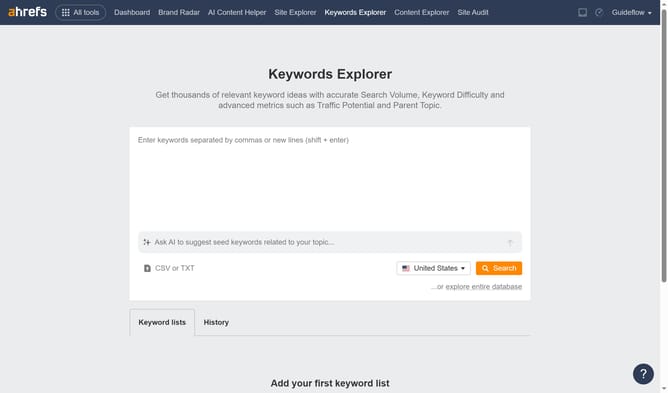
- First click on "Matching terms" in the left sidebar menu
- Then click on "Intents" dropdown button in the filter toolbar
- Next select "Navigational" option from the Intents dropdown menu
- Then click "Apply" button to apply the filter
- Finally click "Show results" button to display the filtered results
Why should you organize keywords by Navigational intent in Ahrefs
Ahrefs is a robust SEO toolset designed to enhance online visibility through comprehensive keyword analysis and competitor tracking.
Organizing keywords by navigational intent in Ahrefs optimizes user experience by categorizing searches where users aim to reach a specific page or site.
This feature helps target audience needs more accurately, ensuring that your content aligns with their search behavior, ultimately leading to increased traffic and engagement on your website.
Last update